5. "Speed Assistant"
6. "Speed limits"
7. Select the desired setting:
▷ "Adjust automatically": the detected
speed limit is adopted automatically.
Traffic light detection: detected traffic
lights are accepted automatically if possi‐
ble.
▷ "Adjust manually": the detected speed
limit can be adopted manually.
Traffic light detection: detected traffic
lights can be accepted manually.
▷ "Show anticipation": detected speed lim‐
its are displayed in the instrument cluster
without being adopted.
▷ "Off": Speed Limit Assist is switched off.
Other proactive comfort functions – the
route-ahead assistant, for example – may
be switched off.
Displays in the instrument
cluster
A message is displayed in the instrument cluster
if the system and Cruise Control are switched on.
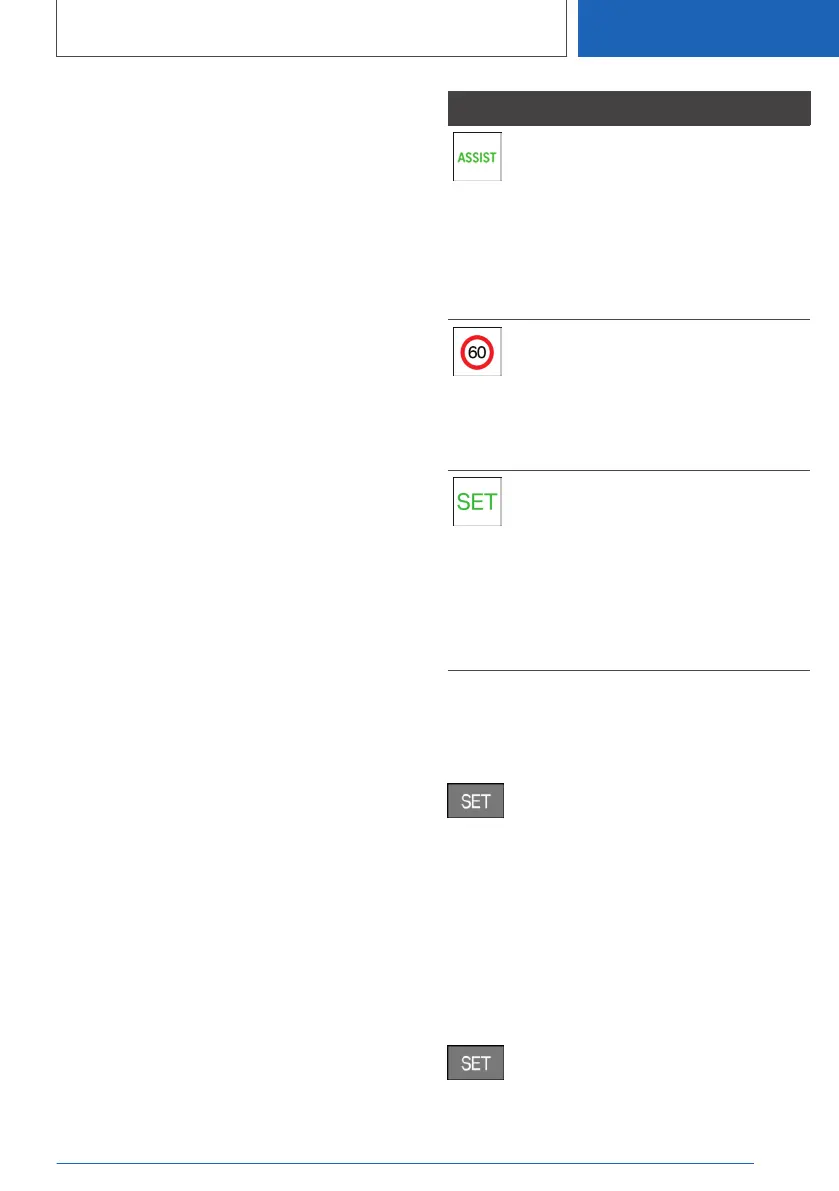
Symbol Function
Depending on the vehicle equip‐
ment, the indicator lamp illumi‐
nates green, together with the
symbol for a cruise control system:
Speed Limit Assist is active and
detected speed limits can be
adopted manually for the displayed
system.
Detected change in speed limit de‐
tected with immediate effect.
Distance information shown along‐
side the symbol indicates there
might be a change in the speed
limit up ahead.
Indicator lamp is illuminated green:
the detected speed limit can be
adopted with the SET button.
Traffic light detection: the detected
traffic lights can be accepted with
the SET button.
A green tick is displayed once it
has been adopted.
Automatic adoption
In automatic mode, a detected speed limit is au‐
tomatically adopted for Cruise Control.
Press the button to switch back to the
last value set.
Traffic light detection: detected traffic lights are
accepted automatically if possible.
Manual adoption
A detected speed limit can be applied to Cruise
Control manually.
Traffic light detection: detected traffic lights can
be accepted manually.
When the SET symbol is illuminated,
press the button.
Seite 265
Driver Assistance Systems
CONTROLS
265
Online Edition for Part no. 01405A1EA53 - X/20



 To Next Page