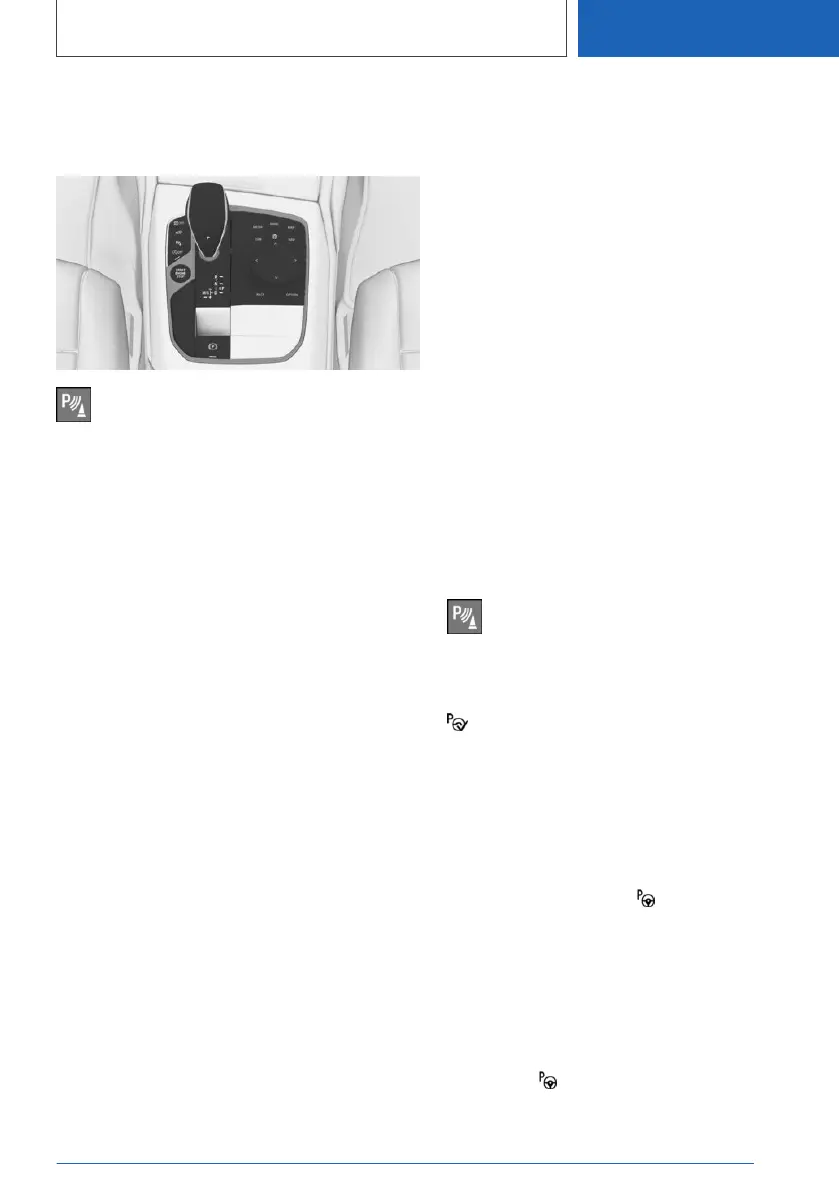
Overview
Button in the vehicle
Park Assistant button
Sensors
The system is controlled using the following sen‐
sors:
▷ Ultrasonic sensors in the front/rear bumpers.
▷ Side ultrasonic sensors.
For further information:
Sensors of the vehicle, see page 47.
Operating requirements
For measuring parking spaces
▷ The vehicle must be driving forwards in a
straight line at speeds up to approximately
35 km/h, 22 mph.
▷ Maximum distance from the row of parked
vehicles: 1.5 m, 5 ft.
Suitable parking space
General:
▷ Gap behind an object that is at least 0.5 m,
1.7 ft long.
▷ Gap between two objects, each at least
0.5 m, 1.7 ft long.
Parking parallel to the road:
▷ Minimum length of gap between two objects:
own vehicle length plus approximately 0.8 m,
2.6 ft.
▷ Minimum depth: approximately 1.5 m, 5 ft.
Perpendicular parking:
▷ Minimum length of gap: own vehicle width
plus approximately 0.7 m, 2.3 ft.
▷ Minimum depth: own vehicle length.
Drivers must estimate the depth of perpen‐
dicular parking spaces themselves. Due to
technical limits, the system is only able to
gauge the depth of perpendicular parking
spaces approximately.
For parking
▷ Doors and tailgate are closed.
Steptronic transmission:
▷ Driver's seat belt is fastened.
Switching on with the button
Press the Park Assistant button.
The LED is illuminated.
It is possible to display the current status of the
parking space search on the Control Display.
Park Assistant is automatically activated.
Switching on with reverse gear
1.
Engage reverse gear.
It is possible to display the current status of
the parking space search on the Control Dis‐
play.
2. Activate if necessary: "Park Assist"
Switching on via iDrive
Rear-view camera display or PDC view must be
active.
1.
Tilt the Controller to the right.
2. Activate the Park Assistant on the Control
Display: "Park Assist"
Seite 287
Driver Assistance Systems
CONTROLS
287
Online Edition for Part no. 01405A1EA53 - X/20



 To Next Page