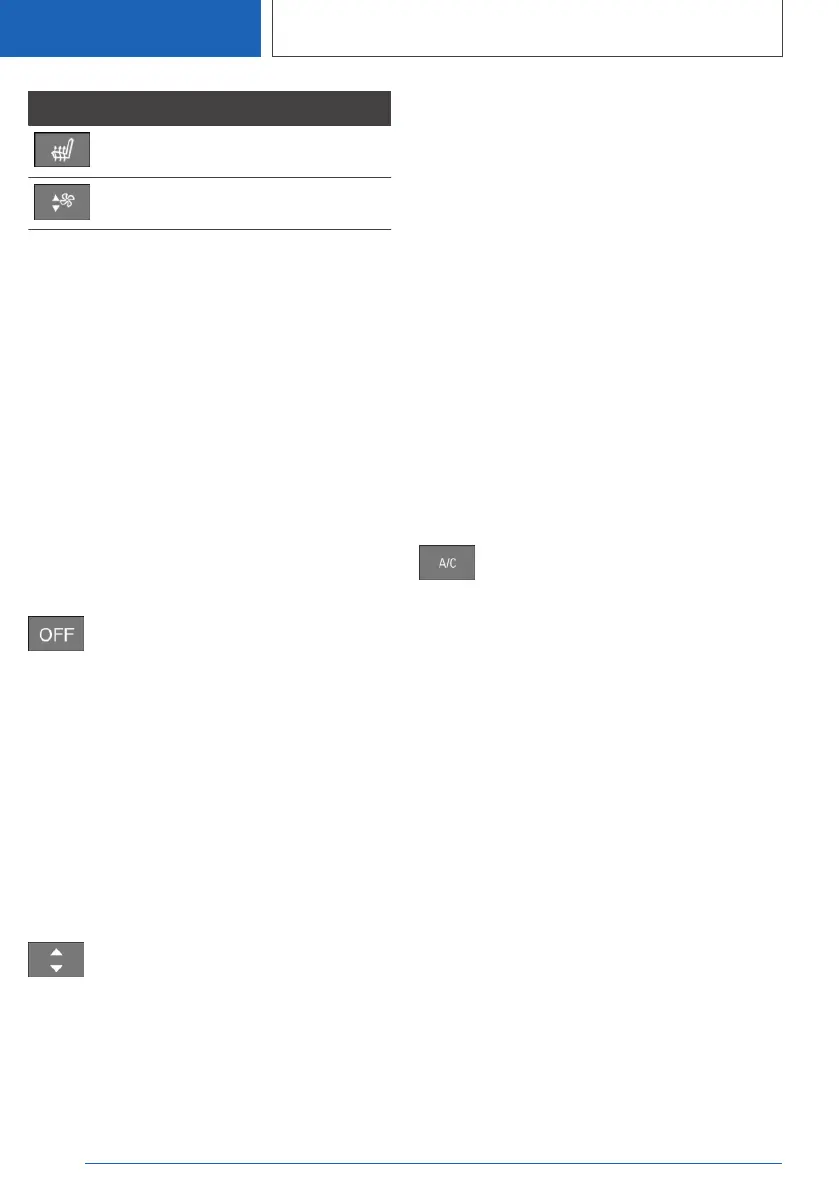
Button Function
Seat heating, see page 134.
Air flow, manual.
Individual functions – for example, temperature –
can also be operated using spoken commands.
Switching on/off
Switching on
Press any button, with the following exceptions:
▷ Switch off.
▷ Rear window heating.
▷ Lower side of air flow button.
▷ Seat heating.
Switching off
Complete system:
Press the button until the control illumi‐
nates.
Temperature
Principle
The automatic air conditioning adjusts to the set
temperature as quickly as possible, using maxi‐
mum cooling or heating power if necessary. The
temperature is then maintained.
Adjusting
Using the button:
Press the upper or lower side of the
button to set the desired temperature.
Via iDrive:
1.
"CAR"
2. "Settings"
3. "Climate comfort"
4. "Heating/ventilation"
5. "Driver"
6. "Temperature:"
7. Set the desired temperature.
Avoid switching between different temperature
settings in rapid succession. The automatic air
conditioning may not have sufficient time to ad‐
just to the set temperature.
Cooling function
Principle
Interior air is cooled and dried and then heated
again depending on the temperature setting.
The interior can be cooled when the drive-ready
or standby state is switched on.
Switching on/off
Press the button.
Depending on the weather conditions, the wind‐
screen and the side windows may mist over for a
short time when the drive-ready state has been
switched on.
The cooling function is switched on automati‐
cally in the AUTO programme.
When the automatic air conditioning is in opera‐
tion, condensation develops and exits under‐
neath the vehicle.
Maximum cooling effect
Principle
When the standby or drive-ready state is
switched on, the system is set to lowest temper‐
ature, optimum amount of air and air recirculation
function.
General
The function is available at an outside tempera‐
ture above approximately 0 ℃/32 ℉ and when
drive-ready state is switched on.
Seite 306
CONTROLS
Air conditioning
306
Online Edition for Part no. 01405A1EA53 - X/20



 To Next Page