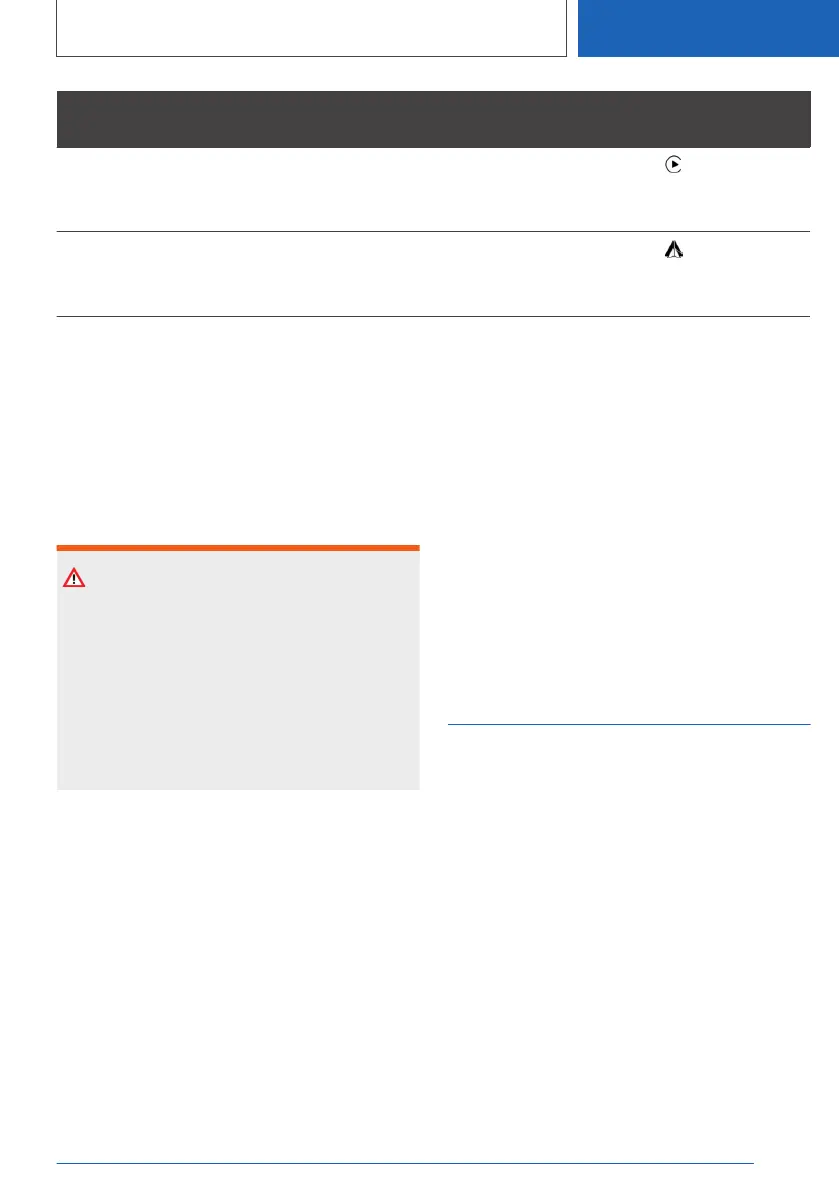
Function Connection type Symbol in the
device list
Apple CarPlay:
Operating apps via iDrive and by voice
commands.
Bluetooth and WLAN.
Android Auto:
Operating apps via iDrive and by voice
commands.
Bluetooth and WLAN.
The following connection types require a one-off
pairing process with the vehicle:
▷ Bluetooth.
▷ WLAN.
Paired devices are then automatically recognised
and connected to the vehicle.
Safety note
WARNING
Operating integrated information systems and
communication devices during a journey may
distract you from the road. You could lose con‐
trol of the vehicle. There is a risk of accident.
Only operate the systems or devices if the traf‐
fic conditions allow you to do so. Stop if neces‐
sary and operate the systems or devices with
the vehicle at a standstill.
Compatible devices
General
Information about mobile devices compatible
with the vehicle is available at www.bmw.com/
bluetooth.
Malfunctions may occur when using unlisted de‐
vices or different software versions.
Viewing the vehicle identification
number and software part number
When looking for compatible devices, the vehicle
identification number and software part number
may have to be stated. These numbers can be
displayed in the vehicle.
1. "COM"
2. "Mobile devices"
3. Tilt the Controller to the right.
4. "Settings"
5. "Bluetooth information"
6. "System information"
Managing mobile devices
General
▷ Following one-off pairing, the devices are au‐
tomatically detected and connected again
when standby state is switched on.
▷ The data saved on the SIM card or in the mo‐
bile telephone – for example, contacts – is
transferred to the vehicle following detection
and can be used via iDrive.
▷ Some devices may require particular settings,
for example authorisation; see the user man‐
ual of the device.
Displaying the device list
All devices paired or connected to the vehicle are
displayed in the device list.
Seite 85
Connections
CONTROLS
85
Online Edition for Part no. 01405A1EA53 - X/20



 To Next Page