NavigationEntertainment Driving hints
167
Reference OverviewControlsCommunicationMobility
Displays and signals
> "TP":
Traffic reports are switched on.
> "T":
Traffic reports are switched off, but the
selected radio station does broadcast traffic
reports at normal volume.
> No display:
Traffic reports are switched off, the
selected radio station does not broadcast
traffic reports.
Switching traffic reports on/off
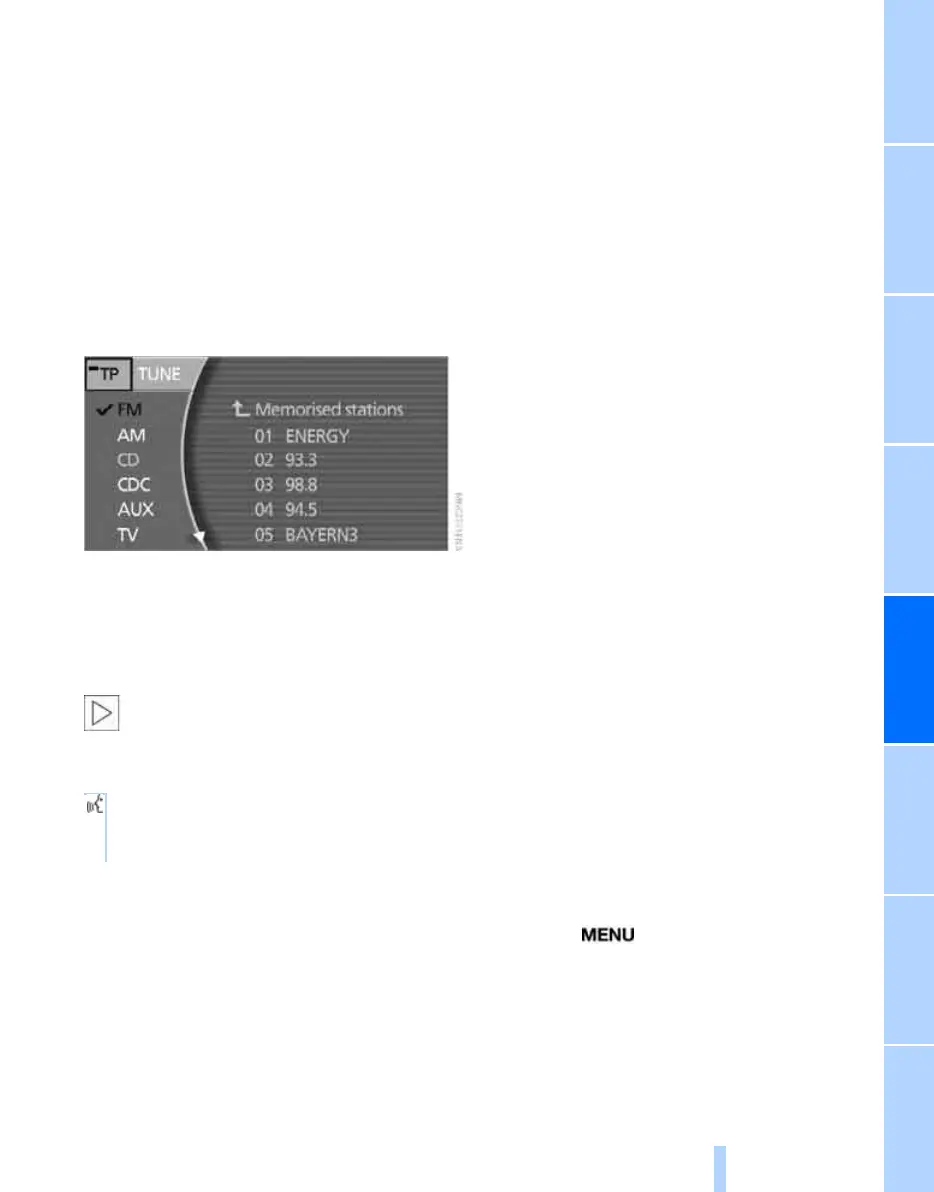
Select "TP" and press the controller.
To switch off during a traffic report, press the
controller twice.
Adjusting volume of traffic reports, see
page 159.
With the TMC function switched on, you
can only receive traffic reports if you are
tuned to a station that broadcasts them.<
Via the voice input system:
Interrupting a traffic report
Select "TP" and press the controller.
The traffic report is interrupted.
Selecting TMC station
TMC: Traffic Message Channel.
Irrespective of the traffic information station
tuned, the TMC station with the best reception
is automatically tuned in the background. This
is providing you have switched on "TMC sta-
tion", see page 150.
DAB tuner*
The digital radio provides you with additional
stations that are transmitted with high sound
quality.
Up to 15 stations may be broadcast on the
same frequency. These stations are combined
into what is know as an ensemble. Each station
can transmit additional information, such as
weather reports or the name of the artist per-
forming the current music track.
Individual stations may also offer several differ-
ent programmes. Sports stations, for example,
may broadcast different sports events at the
same time. You then have the option of choos-
ing a particular sports event.
The following functions can be operated in the
same way as the radio if you select an ensem-
ble:
> Memorising stations, see page 165
> Changing memory location, see page 165
> Traffic reports
*
, see page 166
Updating ensembles
If you move out of the reception range of the
ensembles originally received on a longer jour-
ney, you can update the list of receivable
ensembles.
iDrive, principle, see page 14.
1. Press the button to call up the start
menu.
2. Move the controller towards "Entertain-
ment".
3. Select "DAB" and press the controller.
1. {Radio}.
2. {Traffic announcements} or
{Traffic announcements off}.
Online Edition for Part no. 01 41 0 013 197 - © 02/07 BMW AG



 To Next Page