Radio
168
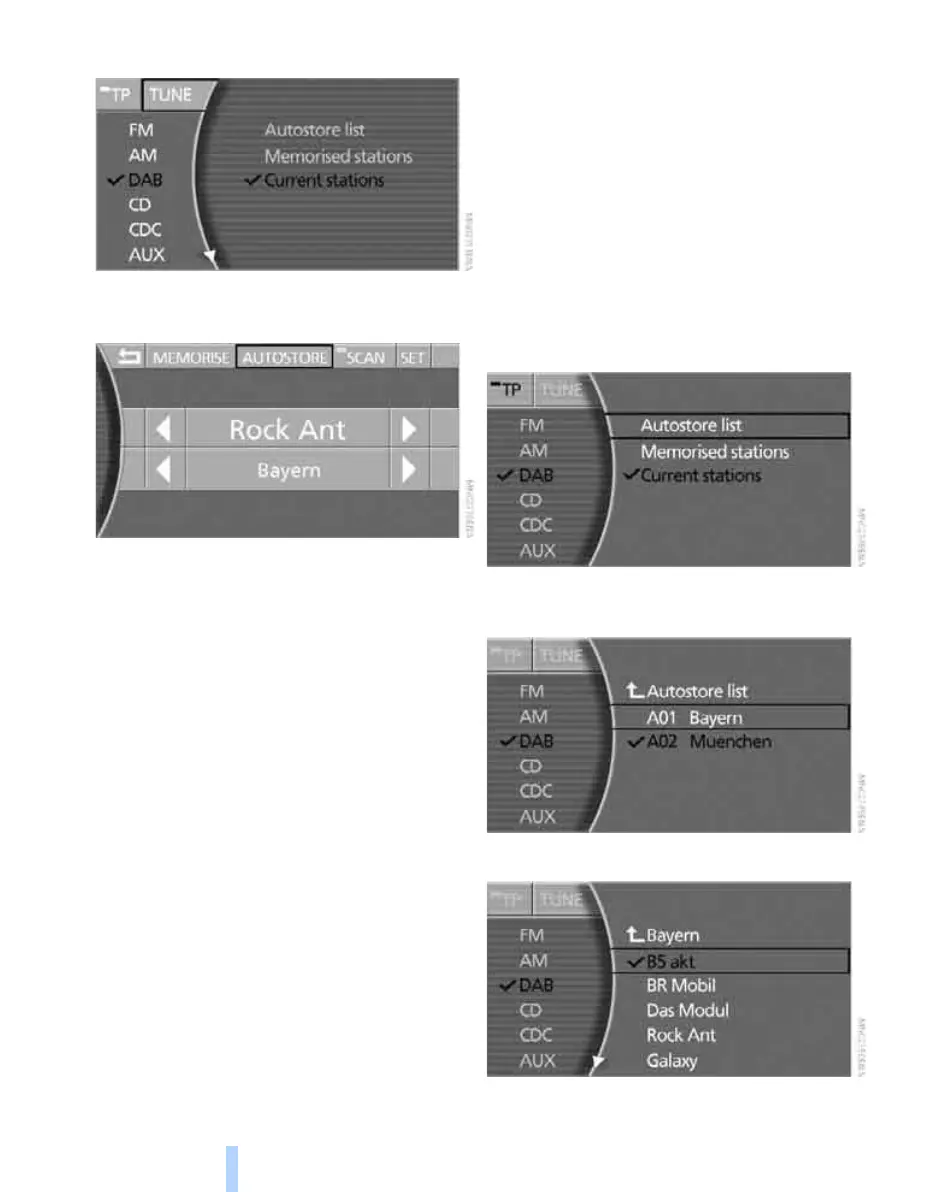
4. Select "TUNE" and press the controller.
5. Select "AUTOSTORE" and press the con-
troller.
The choice of receivable ensembles is updated,
and the names of the ensembles are displayed.
Changing stations
1. Select "DAB" and press the controller.
2. Select the desired list and press the con-
troller:
> "Autostore list":
Displays ensembles that can be
received.
> "Memorised stations":
Displays all memorised stations. Memo-
rising stations, see page 165.
> "Current stations":
Displays all stations in the current
ensemble.
3. Select an ensemble, if appropriate, and
press the controller.
4. Select a station and press the controller.
Online Edition for Part no. 01 41 0 013 197 - © 02/07 BMW AG



 To Next Page