Telephone
160
or
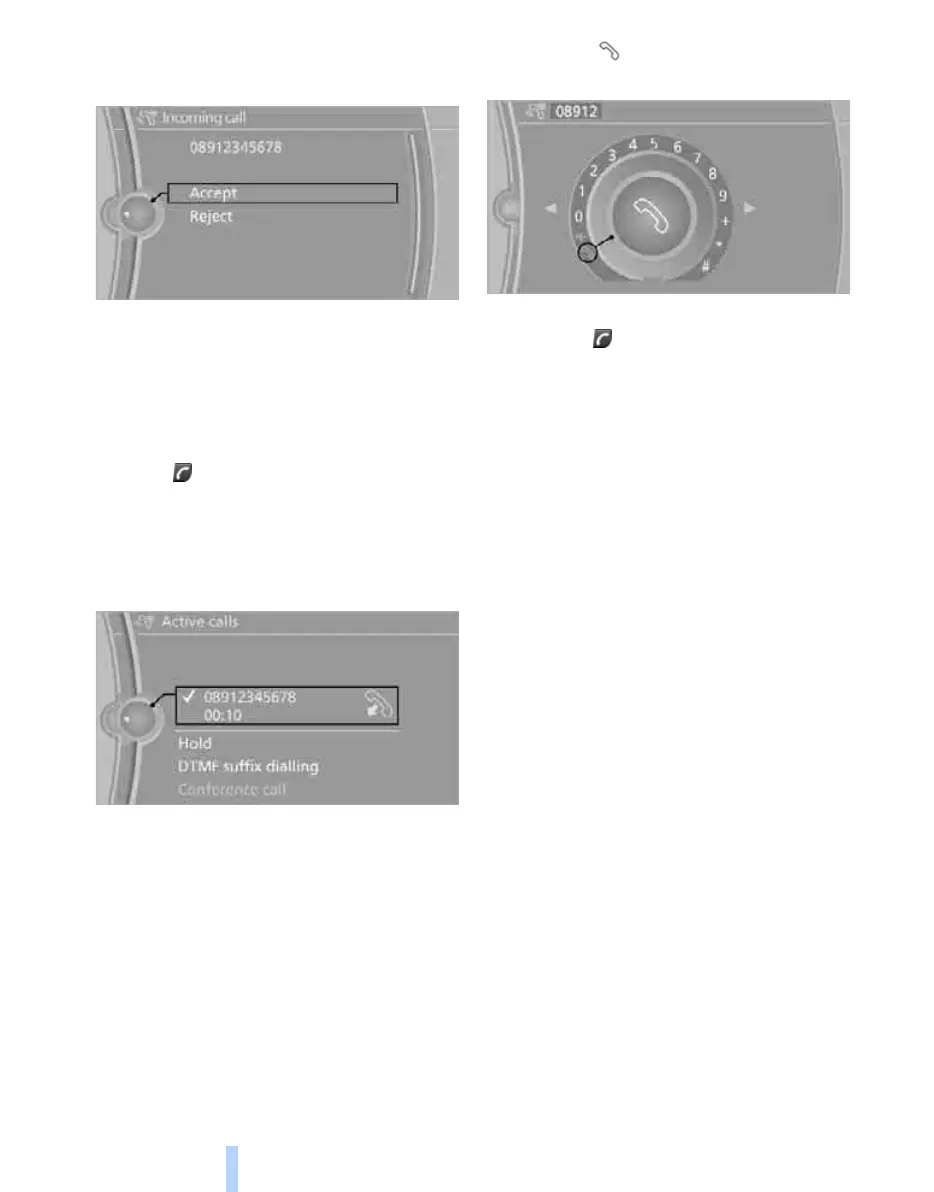
"Accept"
Rejecting a call
"Reject"
The caller is diverted to your mailbox if this has
been activated.
Ending a call
Press the button on the steering wheel
or
1. "Telephone"
2. "Active calls"
3. Select the active call.
Dialling a number
1. "Telephone"
2. "Dial number"
3. Select the digits individually.
4. Select the symbol to set up the connec-
tion
or
Press the button on the steering wheel.
The phone number can also be entered using
voice control
*
, see page 164.
For your phone number to be displayed to the
person you are talking to, the caller display
function must be enabled by your service pro-
vider.
Calls with a number of participants
It is possible to switch between calls and merge
two calls to set up a conference. The functions
must be supported by the mobile phone and
service provider.
Accepting a call during another call
It might be necessary for the service provider to
enable this function and to set the mobile
phone accordingly.
If there is a second call during an ongoing call,
you hear a 'call waiting' signal.
"Accept"
The call is accepted and the existing call is held.
Setting up a second call
Set up another call during a call.
1. "Telephone"
2. "Active calls"
Online Edition for Part no. 01 41 2 602 816 - © 08/09 BMW AGOnline Edition for Part no. 01 41 2 602 816 - © 08/09 BMW AG



 To Next Page