Telephone
162
Redial
The eight phone numbers last dialled are
stored.
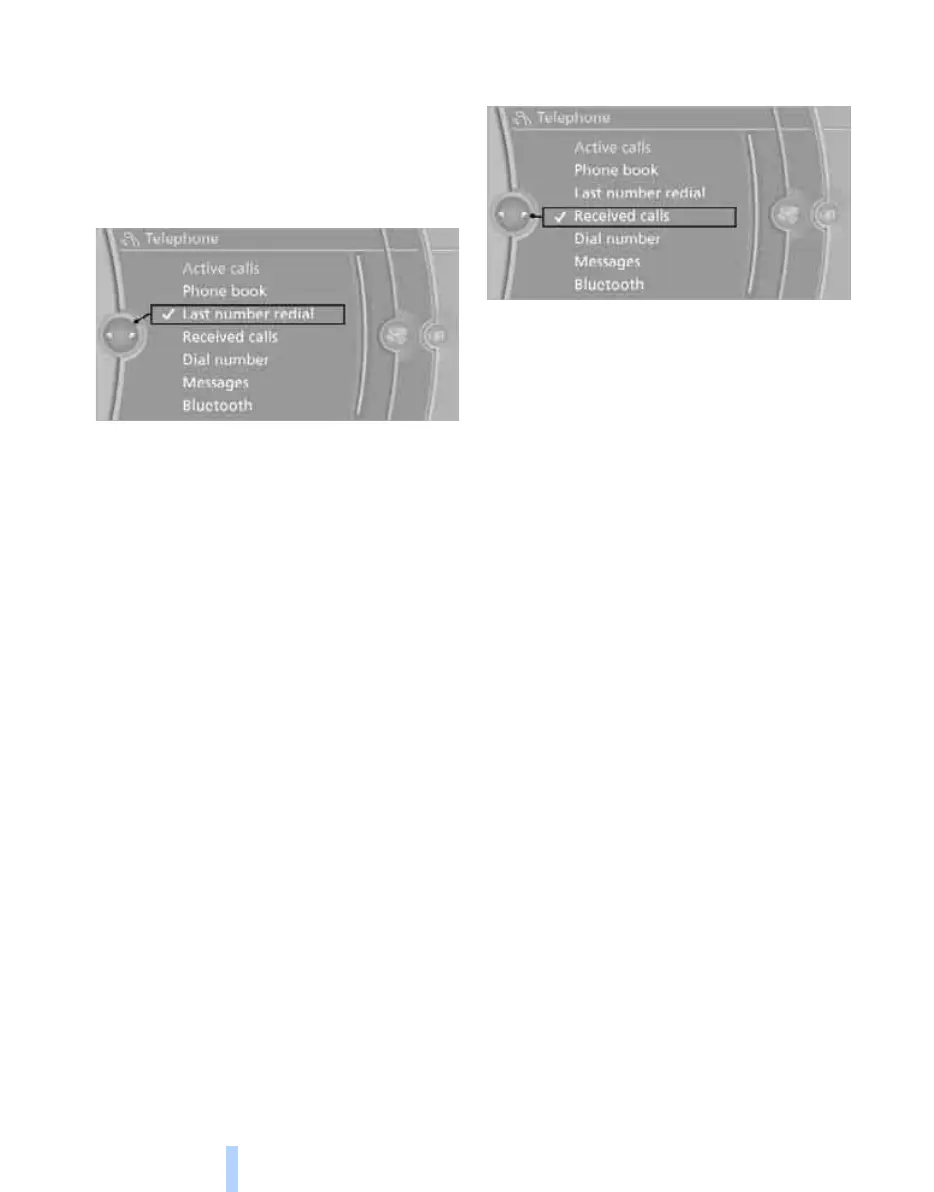
Dialling numbers via iDrive
1. "Telephone"
2. "Last number redial"
3. Select the desired entry.
The connection is established.
Deleting entries
1. Highlight the entry.
2. Call up "Options".
3. "Delete entry" or "Delete list".
Saving an entry in 'Contacts'
1. Highlight the entry.
2. Call up "Options".
3. "Save as new contact" or "Add to existing
contact".
4. Select the type of number: "Home",
"Work", "Mobile" or "Others".
5. If necessary, complete the entries.
6. "Save in car"
Incoming calls
The last 20 incoming calls are displayed.
1. "Telephone"
2. "Received calls"
Dialling a number
Select the entry.
The connection is established.
Deleting entries
1. Highlight the entry.
2. Call up "Options".
3. "Delete entry" or "Delete list".
Saving an entry in 'Contacts'
1. Highlight the entry.
2. Call up "Options".
3. "Save as new contact" or "Add to existing
contact".
4. Select the type of number: "Home",
"Work", "Mobile" or "Others".
5. If necessary, complete the entries.
6. "Save contact"
Messages
Various message types can be displayed:
> SMS
The display of SMSs depends on whether
data transfer into the vehicle is supported
by the mobile phone. It is possible that
SMSs are not supported by the service pro-
vider or must be enabled separately.
> Messages from My Info in the BMW Assist
Portal
> Messages from BMW Assist information
service
> Emails from BMW Online
*
Online Edition for Part no. 01 41 2 602 816 - © 08/09 BMW AGOnline Edition for Part no. 01 41 2 602 816 - © 08/09 BMW AG



 To Next Page