Everything under control
70
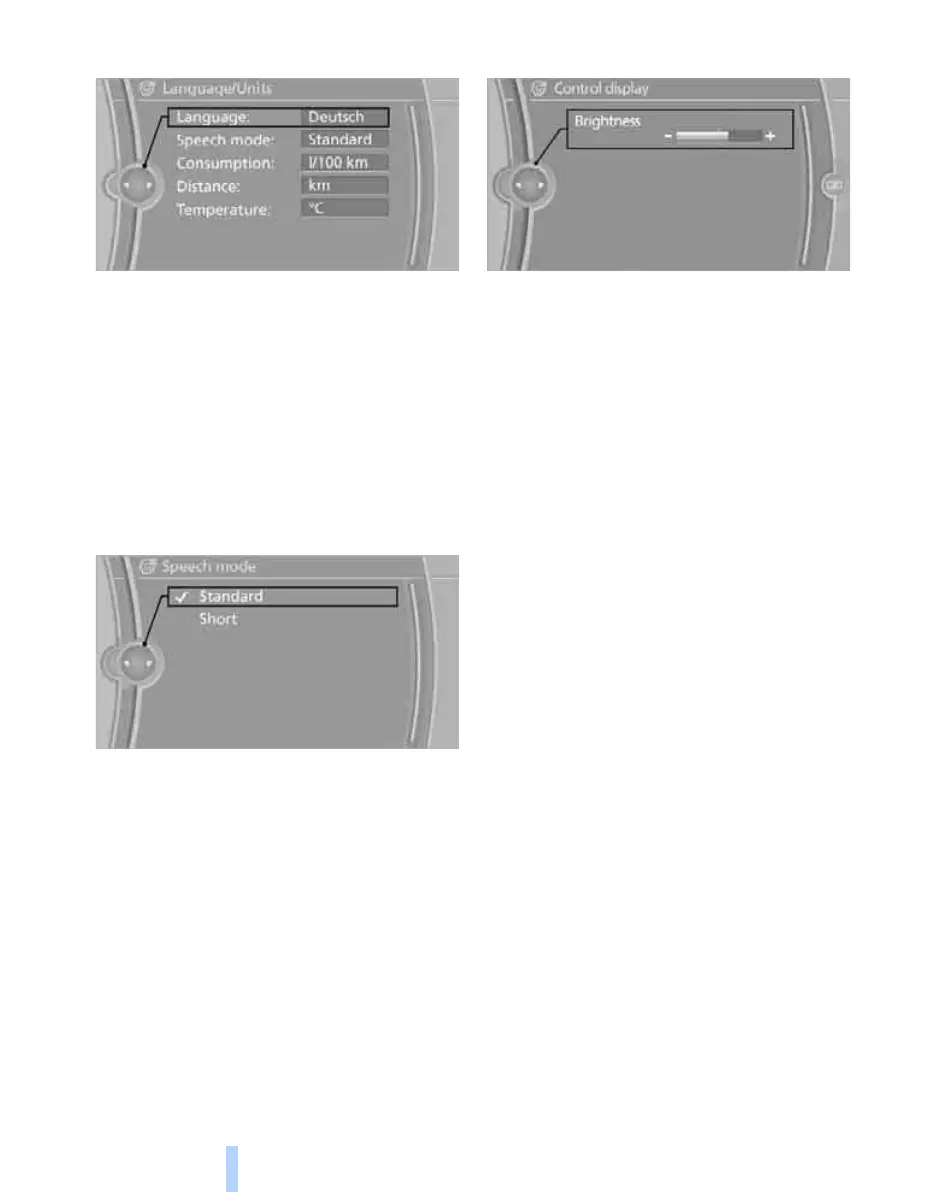
3. "Language:"
4. Select the desired language.
The setting is saved for the remote control cur-
rently in use.
Setting the speech dialogue
Toggle between a standard and short dialogue.
1. "Settings"
2. "Language/Units"
3. "Speech mode:"
4. Select the desired dialogue.
The setting is stored for the remote control cur-
rently in use.
Brightness of the Control Display
The brightness is automatically adjusted to
ambient light conditions. However, you can
adjust the basic setting.
1. "Settings"
2. "Control display"
3. "Brightness"
4. Turn the controller until the desired setting
is obtained.
5. Press controller.
The setting is saved for the remote control cur-
rently in use. With bright surroundings, the
brightness control might not be immediately
perceptible.
Online Edition for Part no. 01 41 2 602 816 - © 08/09 BMW AGOnline Edition for Part no. 01 41 2 602 816 - © 08/09 BMW AG



 To Next Page