4. "Sound"
5. Select the desired setting.
Quick access
The quick link provides access to shortcuts,
certain settings, and app recommendations.
Input Operation
Show
quick link.
Swipe from top to bottom on the
control display.
Slide the controller up.
Tap the icon on the status
bar.
Hide
quick link.
Swipe from the bottom up on the
control display.
Slide the controller down.
Activating/deactivating pop-ups
For some functions, pop-ups are displayed
automatically on the control display. Some of
these pop-ups can be activated or deactivated.
1.
Apps menu
2. "Vehicle"
3. "System settings"
4. "Pop-ups"
5. Select the desired setting.
Shortcuts
General information
The iDrive functions can be stored on the
shortcuts and called up directly, for instance
radio stations, navigation destinations, phone
numbers and menu entries.
Storing a function
1.
Select the desired function.
2. Press and hold the desired function.
3. "Add to shortcuts"
Shortcuts can only be created with an active
BMW ID or a driver profile.
Executing a function
1. Swipe from top to bottom on the control
display.
2. Tap the desired shortcut.
The function will work immediately. This
means for instance that the connection is es-
tablished when a phone number is selected.
Deleting shortcuts
1.
Swipe from top to bottom on the control
display.
2. Press and hold the desired shortcut.
3. "Delete shortcut"
Direct access
General information
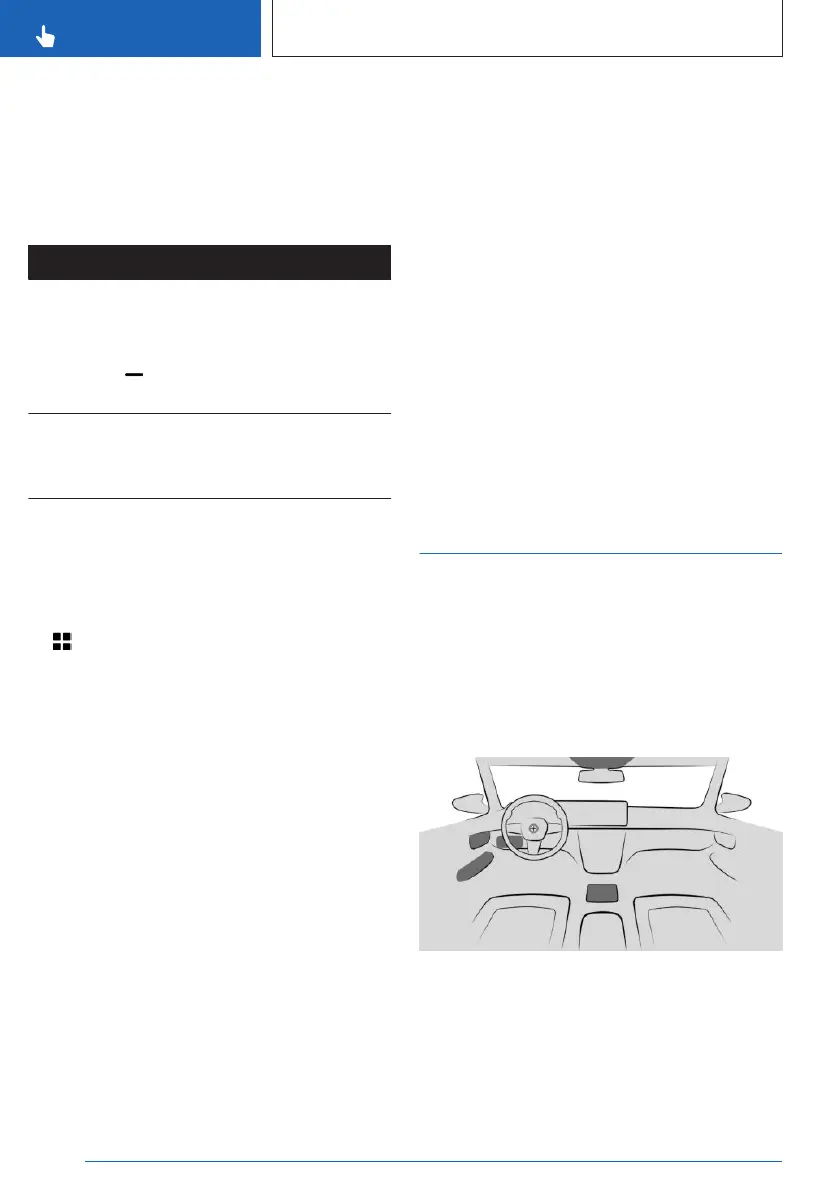
The vehicle has buttons that can be used to
access menus for the respective function di-
rectly on the control display. Then continue the
operation via iDrive.
Overview
Seite 46
CONTROLS
BMW iDrive
46
Online Edition for Part no. 01405A88D67 - VI/23



 To Next Page