Navigator III Owner’s Manual
My Locations
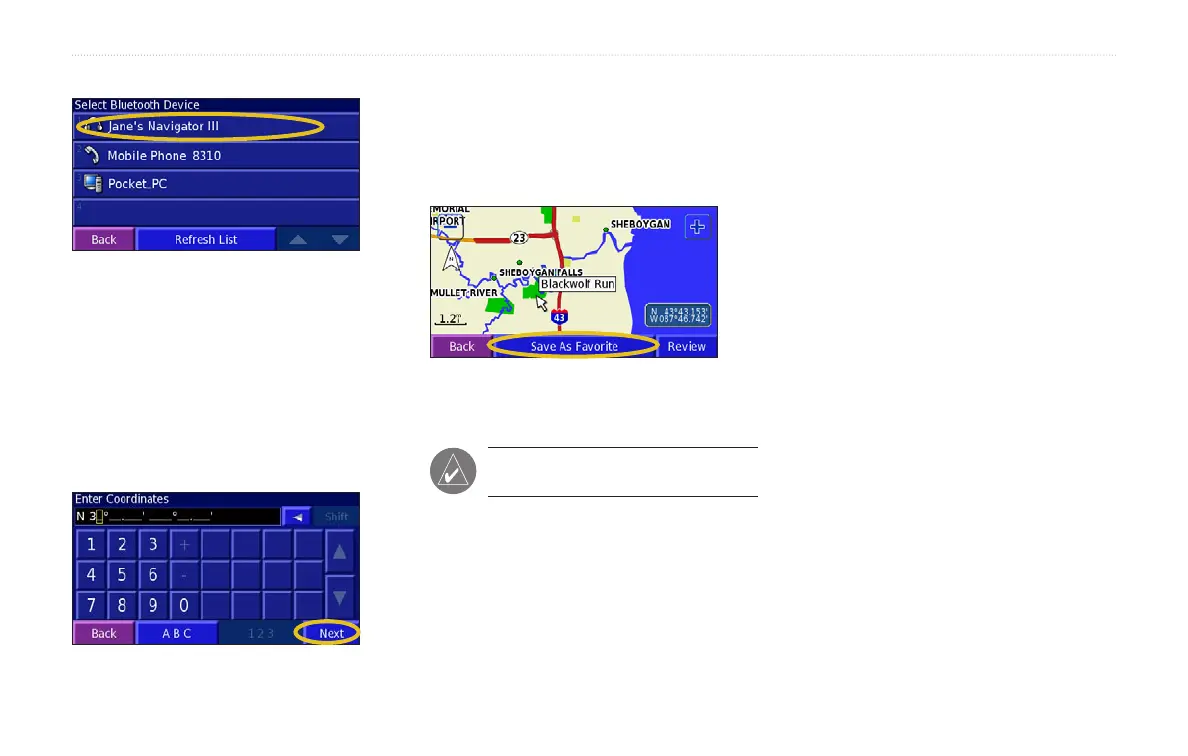
2. Select the other Navigator III.
3. Touch Favorites. A message appears to
conrm the transfer of Favorites.
Saving Coordinates
If you know the exact geographic coordinates
of your travel destination, you can use your
Navigator III to navigate to any location using
its latitude and longitude coordinates.
1. Touch Where To > My Locations >
Coordinates > Enter Position.
2. Enter the coordinates, and touch Next.
3. Touch
Go To.
Browsing the Map for Coordinates
1. Touch Where To > My Locations >
Coordinates > Browse Map.
2. Touch the location on the map, and touch
Save As Favorite.
3. Touch
Go To.
NOTE: To change the position format
and map datum settings, see page 21.


 To Next Page