Controls
55
Reference At a glanceDriving tipsCommunications NavigationEntertainmentMobility
The setting is stored for the remote control cur-
rently in use.
Activating the settings
Press the button on the steering wheel.
The indicator lamp in the instrument
cluster comes on. The settings made
on the Control Display for the functions
in MDrive are active.
Pressing the button again deactivates MDrive.
If the indicator lamp flashes after the but-
ton was pressed, MDrive was unable to
respond because the Antilock Brake System
ABS or Dynamic Stability Control DSC are cur-
rently regulating driving stability. Press the
button again when the indicator lamp is no
longer flashing.<
You can change individual settings outside of
MDrive even when MDrive is activated, e.g.
using the buttons on the center console. To
reactivate all settings made on the Control Dis-
play for MDrive: press the button twice.
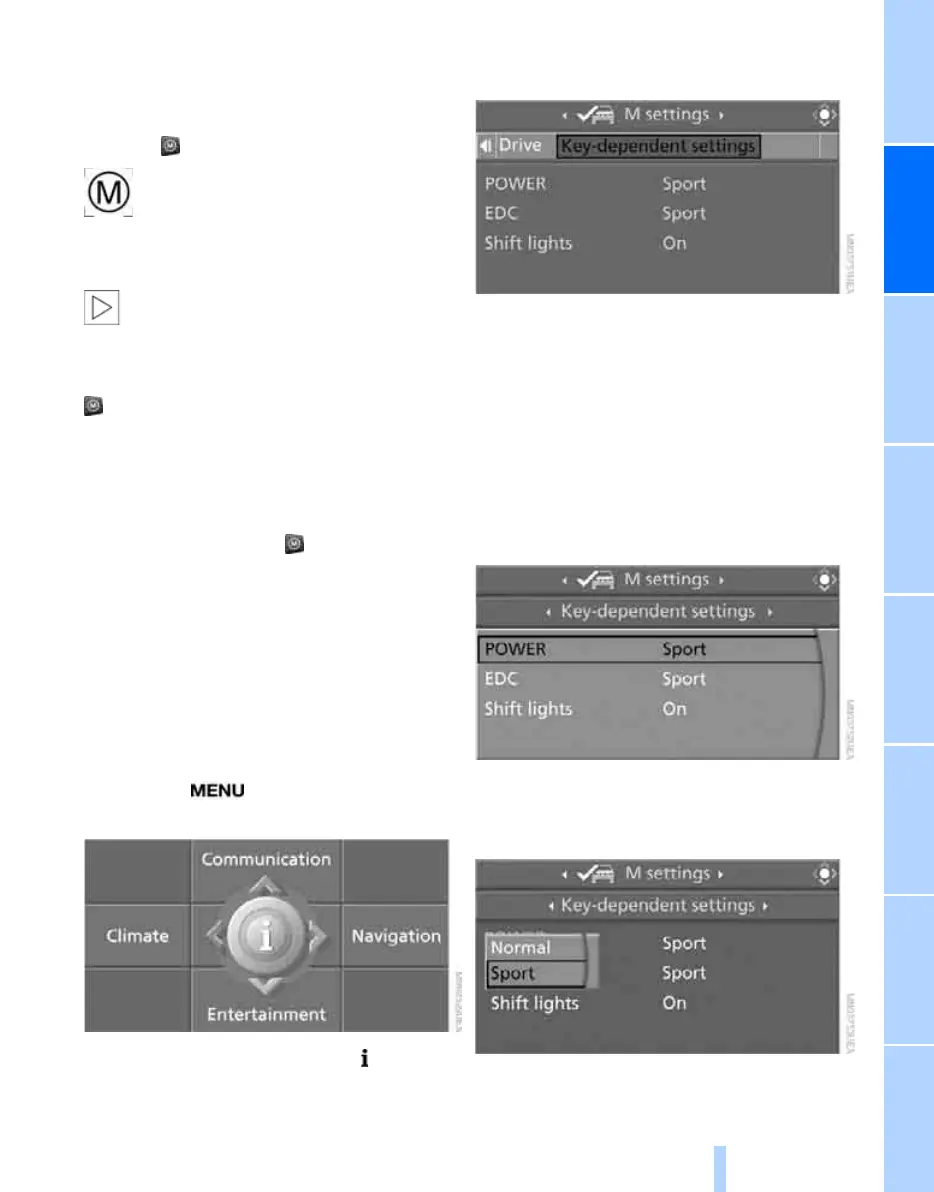
Key-dependent settings
For the remote control currently in use, you can
set your preferred program for the M Engine
Dynamics Control and Electronic Damper Con-
trol EDC. These presettings are called up when
the engine is started.
iDrive, for operating principle refer to page 16.
1. Press the button.
This opens the start menu.
2. Press the controller to open the menu.
3. Select "M settings" and press the control-
ler.
4. Select "Key-dependent settings" and press
the controller.
The available functions are displayed:
> "POWER"
Programs of the M Engine Dynamics
Control, refer to page 68
> "EDC"
Programs of the Electronic Damper
Control EDC
*
, refer to page 90
> "Shift lights"
Shift Lights, refer to page 66
5. Select the desired function.
6. Press the controller.
7. Turn the controller to select the desired set-
ting.
8. Press the controller.
Online Edition for Part no. 01 41 0 014 962 - © 02/08 BMW AG



 To Next Page