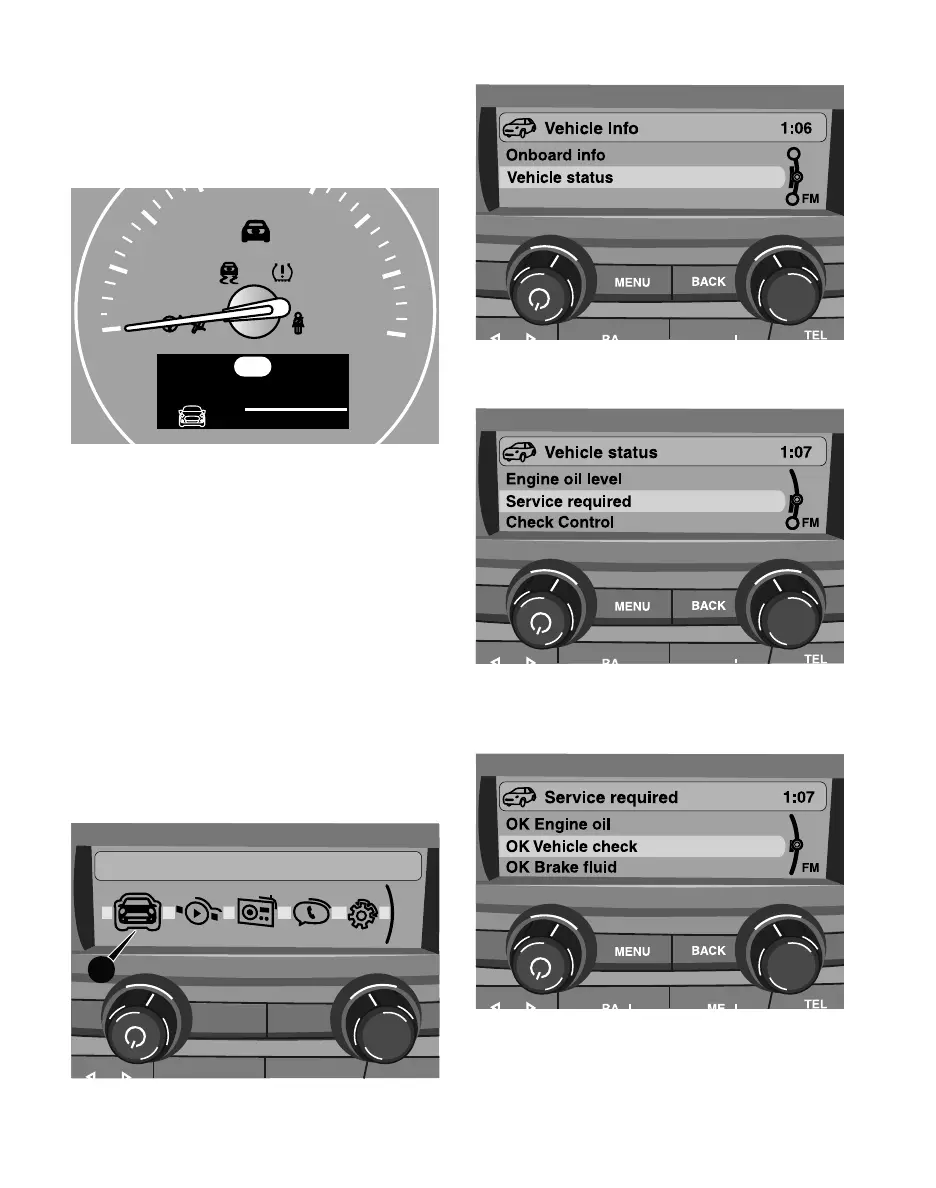
MAINTENANCE SERVICE DISPLAY
3. Select “Vehicle status” and then press the knob.
OVERVIEW
Condition Based Service (CBS)
SCREEN CONTENT INFORMATION
4. Select “Service required” and then press the
knob.
5. Select the maintenance item you want to check,
and then press the knob to check the status of
that item.
20
40
60
80
100
120
140
160
0
Service
BRAKE
ABS
10000 mi
00011 020.0
mi
04/2018
+
mph
P
The remaining driving distance and the date of the
next scheduled service are briefly displayed in the
speedometer immediately after you start the engine
or switch on the ignition.
For specific maintenance operations, you can view
the respective distance remaining or the due date
individually in the large display in the MINI Center
Instrument.
RADIO DISPLAY SCREEN CONTENTS
(VEHICLES WITHOUT MINI CONTROLLER)
1. Using the controls on the radio, press the MENU
button.
2. Rotate the right knob to select “Vehicle Info” (1),
and then press the knob.
Vehicle Info 1:09
FM
MENU
BACK
TEL
1
3



 To Next Page