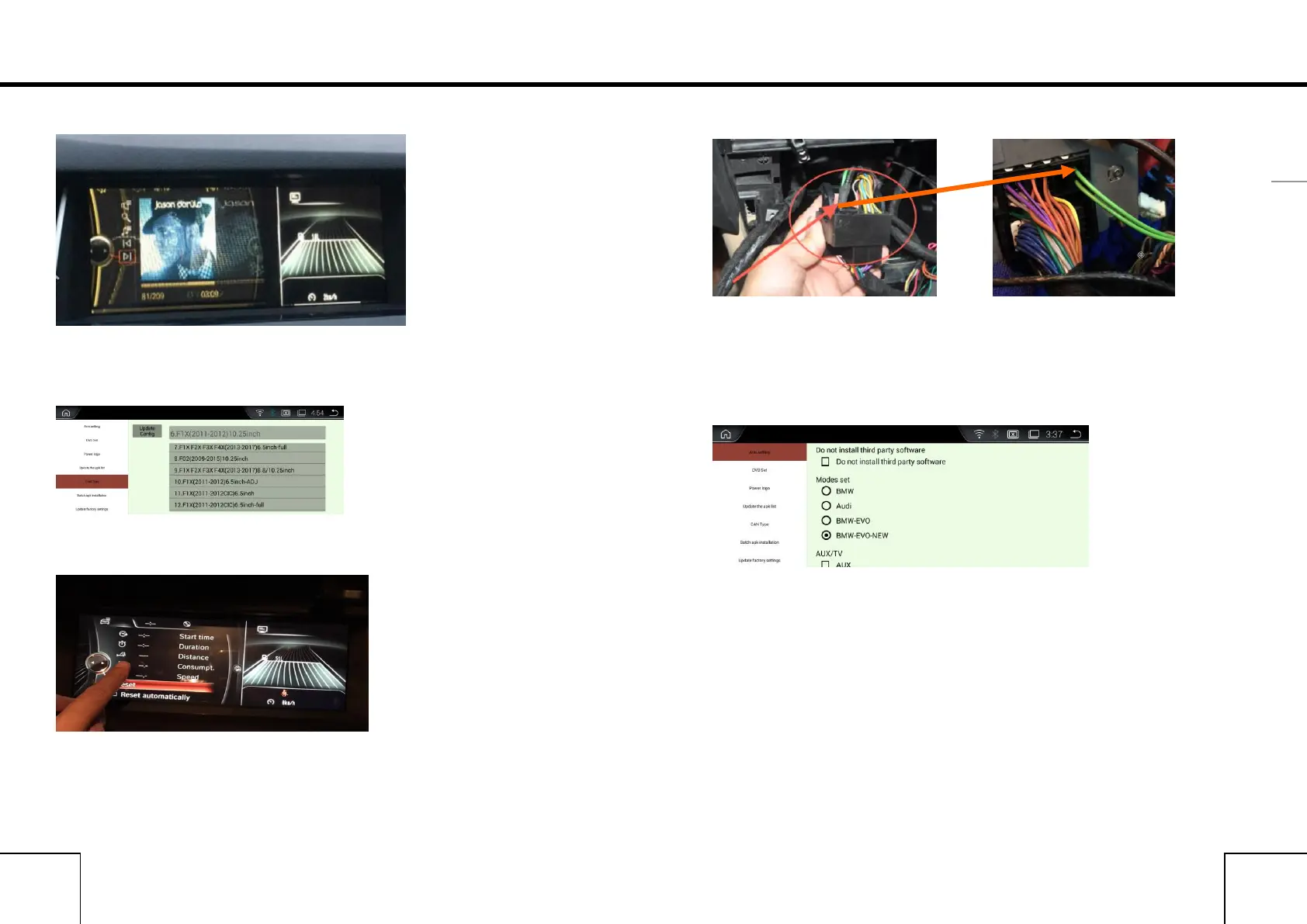
1:Wrong Display or showing not correctly.
Reason:wrong resolution
Solution: Select the correct Cantype in FACTORY SETTINGS
Steps: Factory Settings - Cantype.
2. Incorrect display or No sound.
Reason: Did not remove the optic fiber from Original power harness and
plug it into our power harness.
Solution:remove the optic fiber from Original power harness and plug it
into our power harness.
3.Not allowing to installing APK
Reason:The option “Do not install third party software” is on.
Solution: In Factory Settings, do not choose this option,then it is ok.
Important statements:
Android devices are with frequently upgrading, Product you buy might
not completely the same as the this user manuals. If any difference,
please refer to the actual products.If any questions,please feel free to
contact us.



 To Previous Page