**Must install DVR device before using this function..
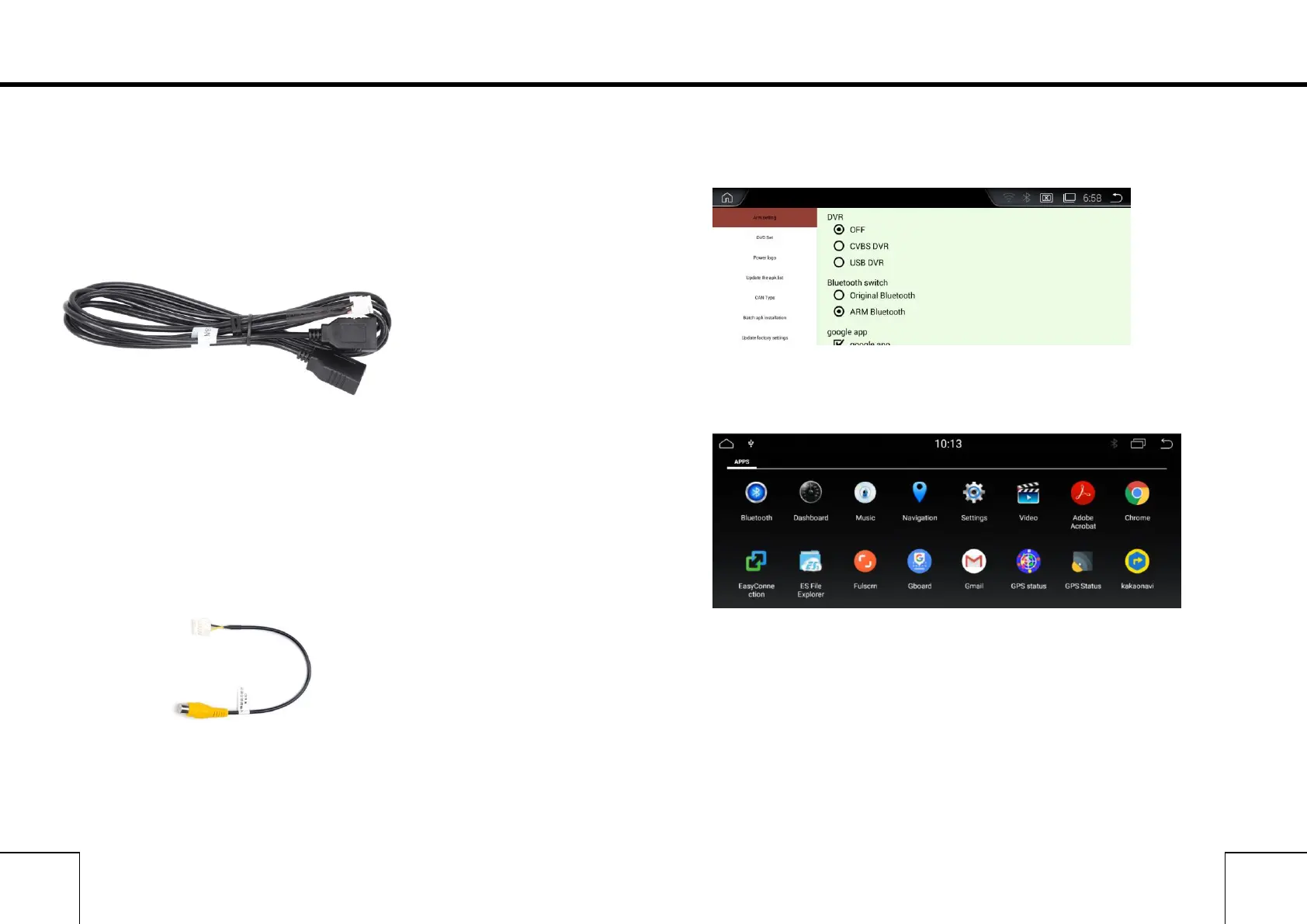
1. USB DVR Connection
Connect USB DVR with USB connector, install APK of DVR.
1) Connect USB Cable with android device.
2) Connect USB DVR with USB connector,
2.AV DVR Connection(optional)
AV DVR: Connect the RAC connector with Device,
1) Connect AV Cable with android device.;
2)Connect AV DVR with AV connector
3.AV DVR Settings
In Factory Settings - DVR - CVBS DVR (√)
After installing, click the DVR icon in Apps.,
*Tips:
1) If you want use DVR Icon in Main menu, please order from us.
2) If you installed the DVR from other suppliers, Please install the certain
AP and use DVR in APPs.
3) what DVR you use,it determines the sharpness of images.



 To Next Page