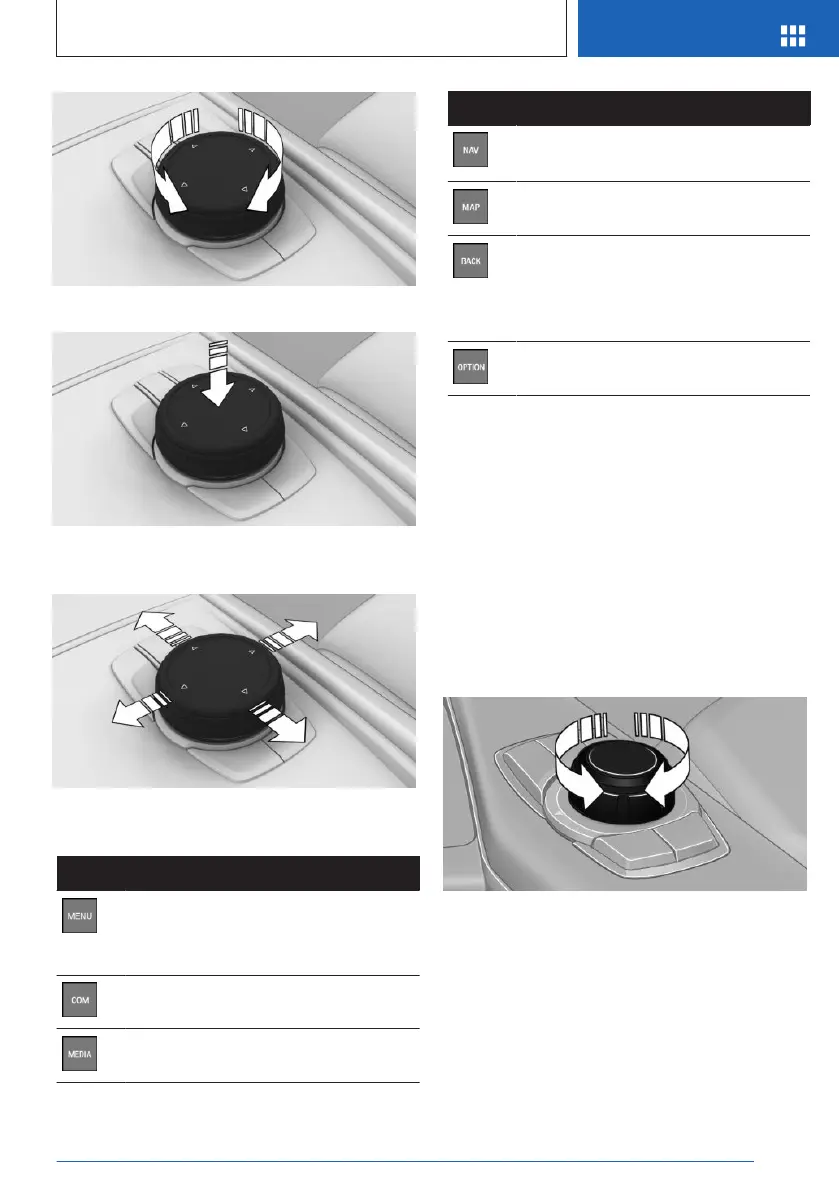
▷ Press to select a menu item, for example.
▷ Tilt in four directions to switch between dis-
plays, for example.
Buttons on the Controller
Button
Function
Press once: calls up the main menu.
Press twice: displays all menu items
of the main menu.
Call up the Communication menu.
Call up the Media/Radio menu.
Button Function
Call up the destination input menu
for navigation.
Call up the navigation map.
Press once: opens the previous dis-
play.
Press and hold: open the menus
used last.
Call up the Options menu.
Controller without navigation
system
General information
The buttons can be used to open the menus
directly. The Controller can be used to select
menu items and enter the settings.
Operation
▷
Turn to switch between menu items, for ex-
ample.
▷ Press to select a menu item, for example.
Seite 37
iDrive
AT A GLANCE
37
Online Edition for Part no. 01405A540A1 - II/22





 To Next Page