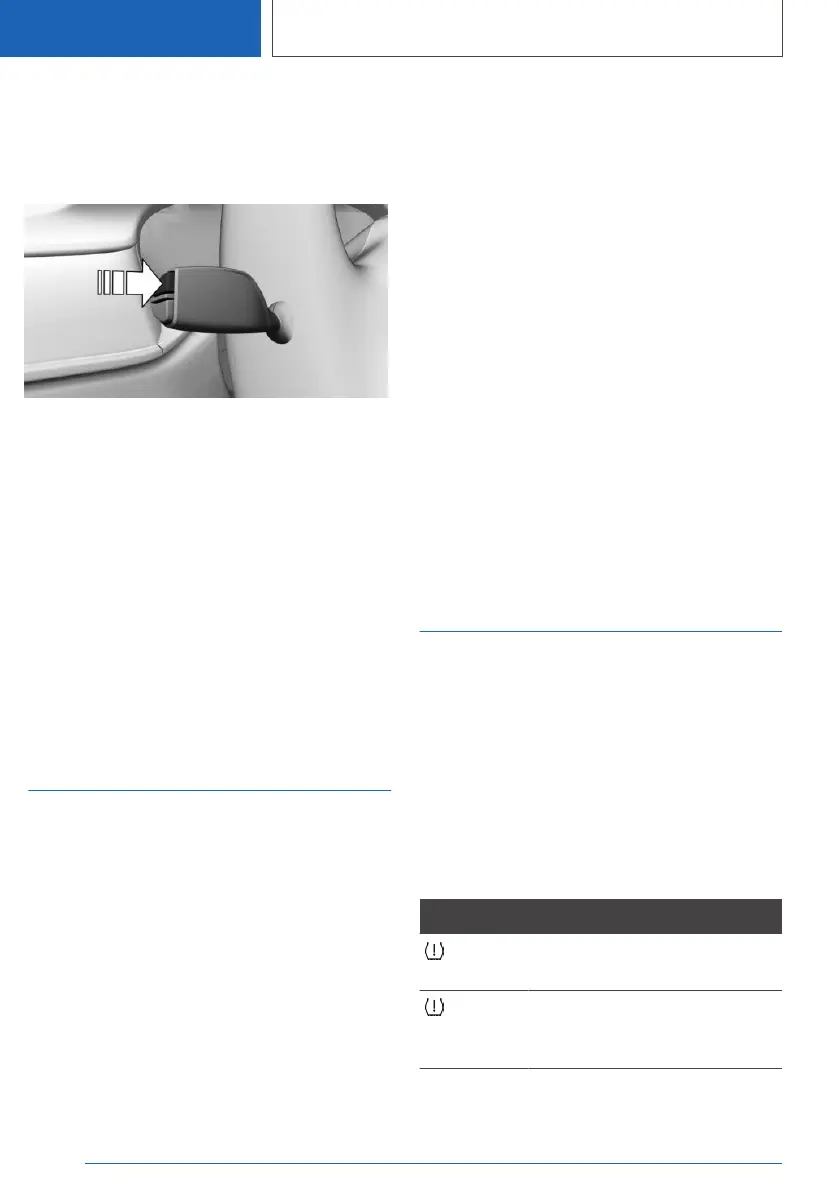
With the button on the turn signal lever:
1. Continue to press the button on the turn sig‐
nal lever until the widget for the trip data is
selected.
2. Press and hold the button on the turn signal
lever.
Via iDrive:
1.
"CAR"
2. "Driving information"
3. "Trip data"
4. "Data since"
5. "Reset individual"
The average values and counters are reset.
Once the average values and counters have
been reset, the following interval is automatically
set: "Individual ( )".
Sport displays
Concept
The Sport displays especially support a sporty
driving style.
Display on the Control Display
Overview
The following information is displayed:
▷ Boost pressure.
▷ Engine oil temperature.
▷ G-Meter.
▷ Torque.
▷ Power.
Displays
1. "CAR"
2. "Driving information"
3. "Sport displays"
Instrument cluster with
enhanced features: Display in the
instrument cluster
The Sport displays can be displayed in form of
widgets in the instrument cluster.
The following widgets can be selected:
▷ Widget for torque and power.
▷ Widget for G meter.
Additional information:
Widgets, refer to page 151.
Vehicle status
General information
The status can be displayed and actions per‐
formed for several systems.
Going to the vehicle status
1.
"CAR"
2. "Vehicle status"
Information at a glance
Symbols Description
"Flat Tire Monitor": status of the
run-flat tires, refer to page 341.
"Tire Pressure Monitor": status
of the Tire Pressure Monitor, re‐
fer to page 334.
Seite 168
CONTROLS
Displays
168
Online Edition for Part no. 01405A37CC6 - VI/21



 To Next Page