Symbols Description
"Engine oil level": electronic oil
measurement, refer to
page 354.
"Check Control messages": dis‐
playing stored Check Control
messages, refer to page 154.
"Required services": displaying
service notifications, refer to
page 163.
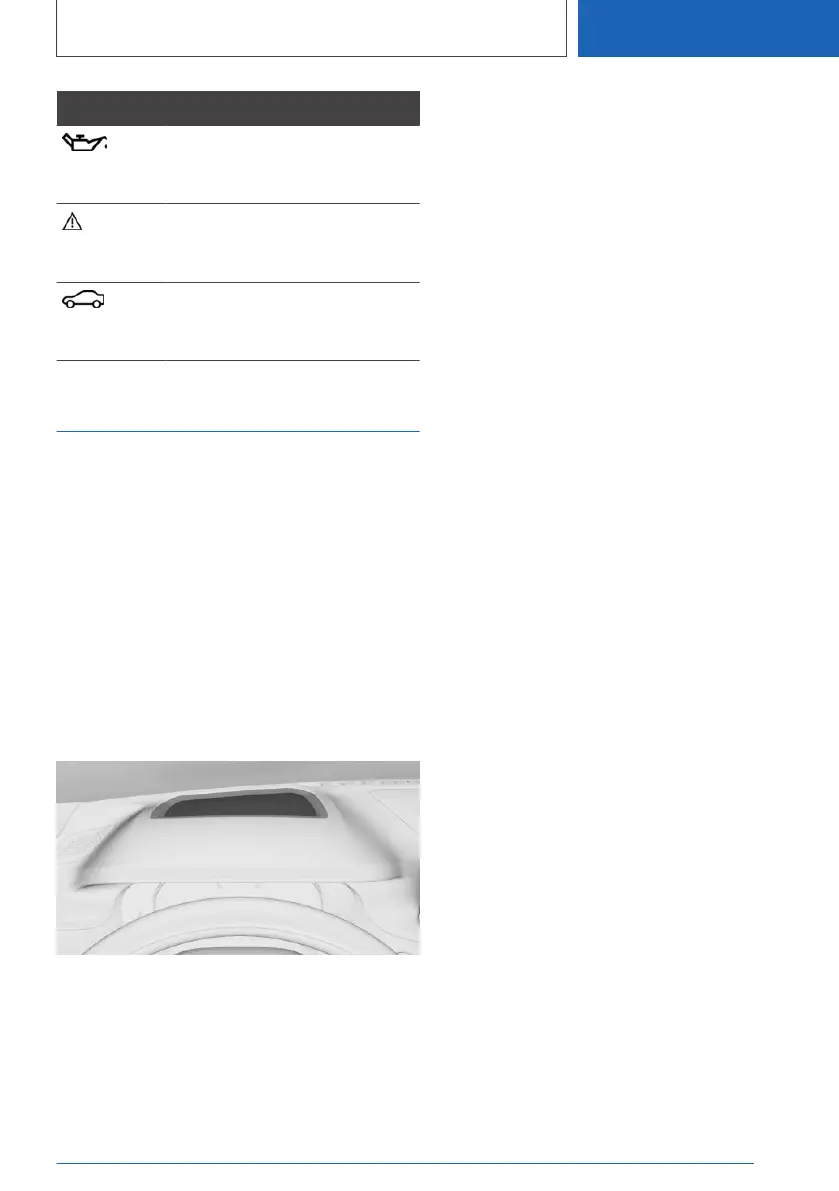
Head-up Display
Principle
The Head-up display projects important informa‐
tion in the driver's field of view, for instance the
speed.
The driver can get information without averting
his or her eyes from the road.
General information
Follow the information on cleaning the Head-up
Display.
Overview
Turning on/off
1.
"CAR"
2. "Settings"
3. "Displays"
4. "Head-up display"
5. "Head-up display"
Display
Overview
The following information is displayed on the
Head-up Display:
▷ Vehicle speed.
▷ Navigation instructions.
▷ Check Control messages.
▷ Selection list in the instrument cluster.
▷ Driver assistance systems.
▷ Sport displays.
Some of this information is only displayed briefly
as needed.
Selecting displays in the Head-up
Display
1.
"CAR"
2. "Settings"
3. "Displays"
4. "Head-up display"
5. Select the desired setting.
Setting the brightness
The brightness is automatically adjusted to the
ambient brightness.
The base setting can be adjusted manually.
1.
"CAR"
2. "Settings"
3. "Displays"
4. "Head-up display"
5. "Brightness"
6. Turn the Controller until the desired bright‐
ness is set.
7. Press the Controller.
Seite 169
Displays
CONTROLS
169
Online Edition for Part no. 01405A37CC6 - VI/21



 To Next Page