Adaptive content
The following content is displayed in alternat-
ing order and, if necessary, depending on the
selected drive mode:
▷ Vehicle status, refer to page 156.
▷ Current driving condition, refer to page 156.
▷ Sport displays, refer to page 157.
▷ Trip data, refer to page 152.
▷ xVIEW display, refer to page 216.
Static information
The following information may be shown per-
manently on the control display regardless of
the driving situation and driving mode set.
▷ Vehicle status.
▷ Trip data.
▷ xVIEW display, refer to page 216.
Adjusting the display
In the Live Vehicle menu, you can choose be-
tween an adaptive display and static content.
1.
Apps menu
2. "Vehicle"
3. "Live Vehicle"
4. "Content"
5. Select the desired setting.
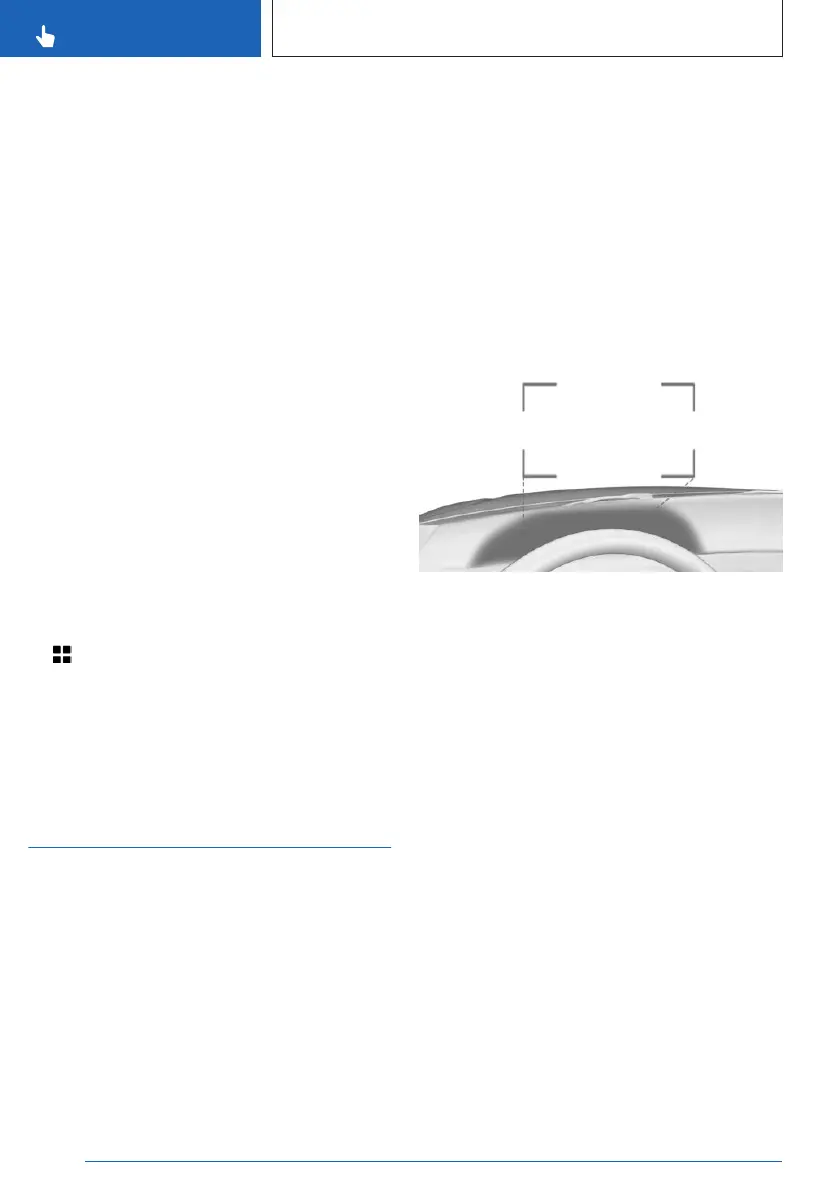
BMW Head-up display
Principle
The Head-up display projects important infor-
mation, e.g., speed, onto the windshield in the
driver's field of view. Information can be re-
corded without you having to look away from
the road.
The steering wheel buttons can be used to
configure various views for the Head-up dis-
play. Additional settings can be changed on
the control display, e.g., brightness or height.
General information
The views on the Head-up display adjust au-
tomatically depending on the selected driving
mode.
Follow instructions for cleaning the Head-up
display in the Vehicle Care chapter.
Additional information:
Caring for special components, refer to
page 390.
Overview
Head-up display views are projected onto the
windshield using protective glass. The protec-
tive glass is located between the steering
wheel and windshield.
Displayable information
The following information is displayed on the
Head-up display depending on the driving
mode selected:
▷
Vehicle speed.
▷ Navigation instructions.
▷ Check Control messages.
▷ Tachometer.
▷ Selector lever display.
▷ Lists and messages.
▷ Driver assistance systems.
Some of this information is only displayed
briefly as needed.
Seite 138
CONTROLS
Displays
138
Online Edition for Part no. 01405A8A608 - VI/23



 To Next Page