Model 577 Operating Manual 15
7.3 Channel Menus
7.3.1 Enabling Channel Output
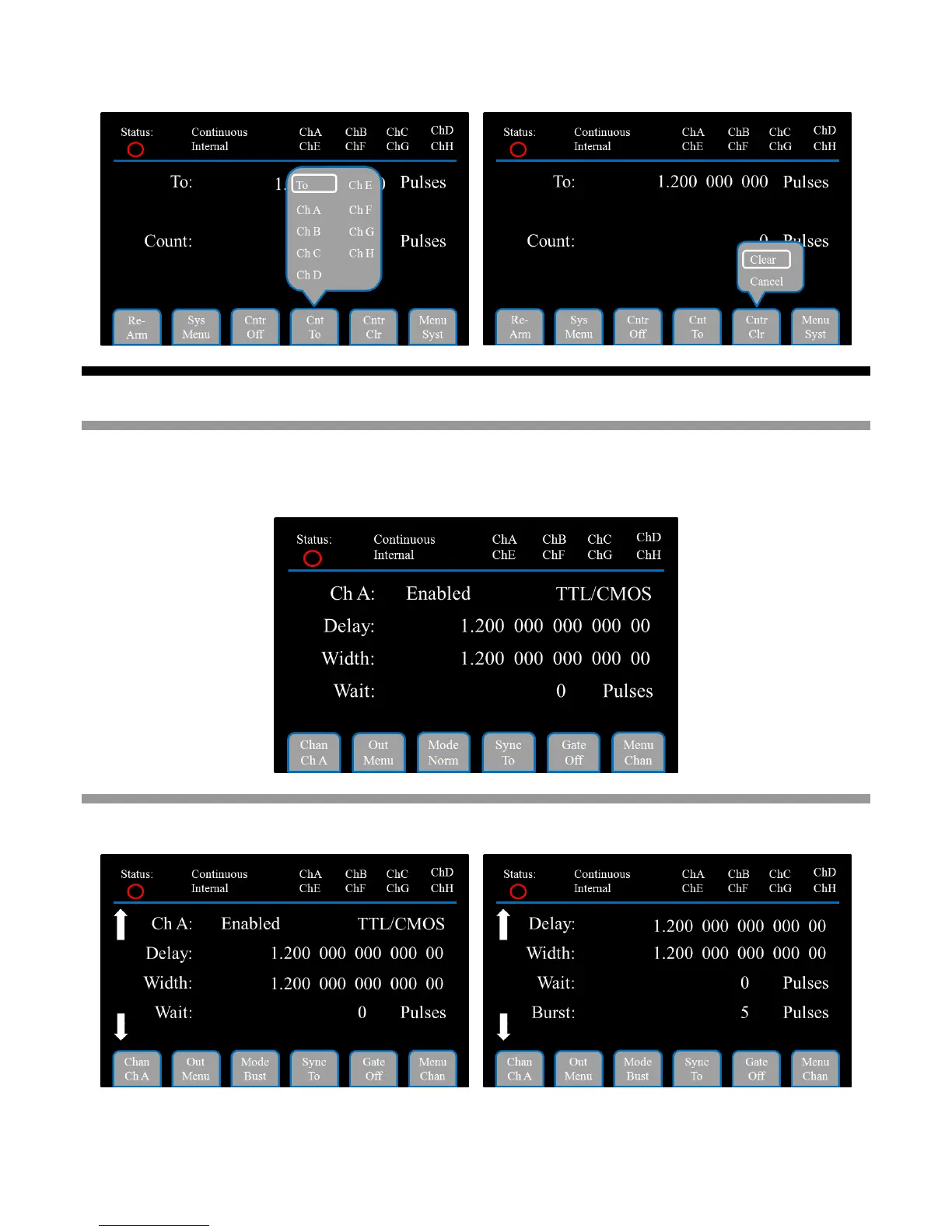
At the top of the Setup area on each of the Channel Menu page is a parameter to Enable or Disable the displayed
channel. Each channel may be individually controlled. Each channel is listed in the Status area at the top of the
page. If a channel is displayed in white, it is enabled. If a channel is displayed in gray, the channel is disabled.
7.3.2 Channel Menu in Burst Mode
The Burst Mode Channel Menu page includes an additional parameter to set the number of pulses in the burst.


 To Next Page