Model 670C Berkeley Nucleonics Corp. 19 of 96
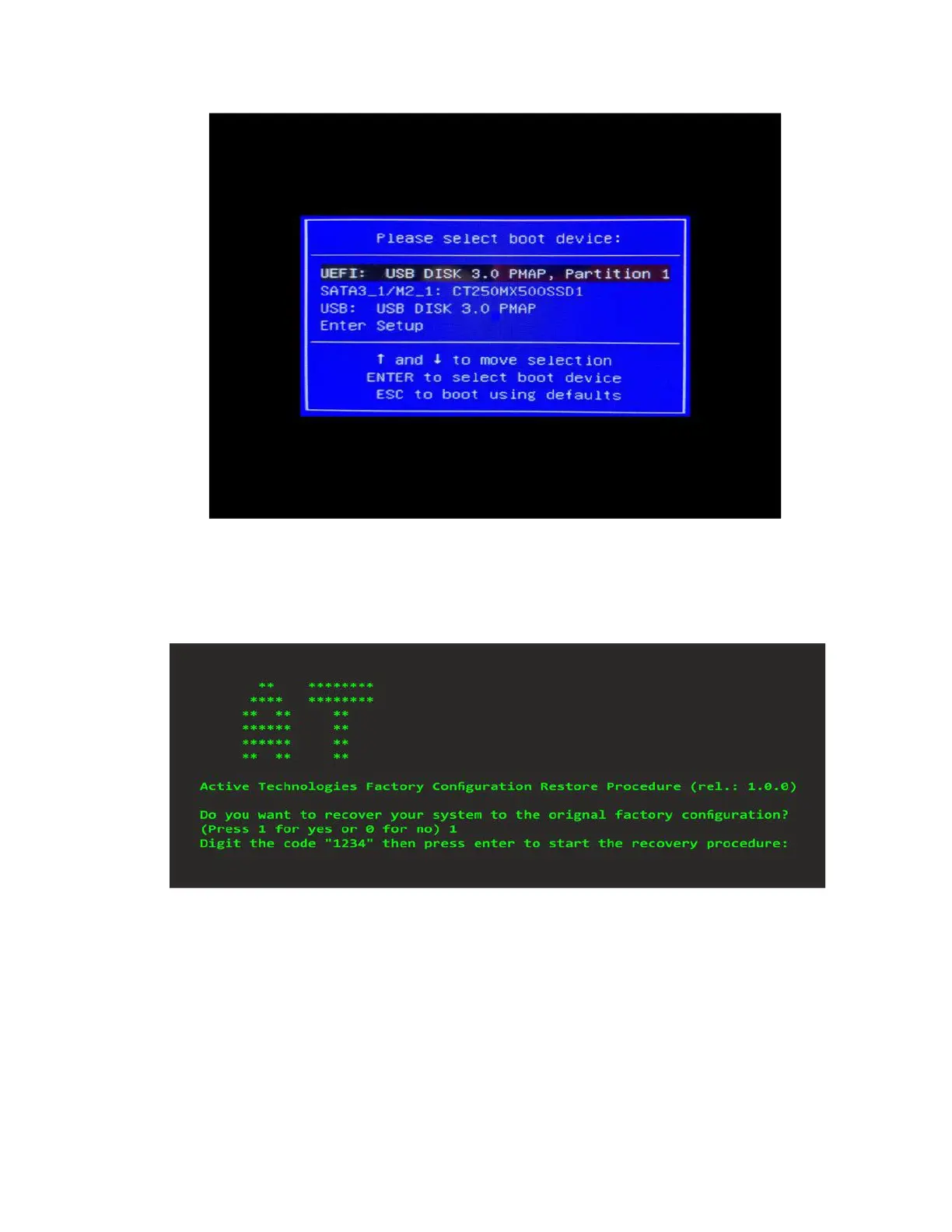
3) In the Boot menu select the “UEFI: USB DISK 3.0 PMAP, partition 1” choice and then press Enter.
4) Press ‘1’ on the keyboard to start the recovery procedure.
5) Enter the code "1234" to confirm the execution of the recovery procedure.
6) Once the procedure is complete, press enter to shut down the instrument.
Remove the Recovery USB Pen Drive and power ON the instrument. Follow the instructions at point 2)
to access the Boot menu and select SATA SSD source. Press enter to confirm.



 To Next Page