When you select a parameter on the user interface, if you press a Unit Measure Range button it will
automatically update the available range allowed for that parameter.
For example if you select the Frequency parameter and you press k/m the unit measure range will be
kHz, if you press M/u it will be MHz, if you press G/n it will be GHz, if you press T/p nothing will happen
because that range is not available for the selected parameter.
If both the two unit of measure of a Unit Measure Range button are available for the selected
parameter (i.e. Mega and Micro), if you press the range button M/u, the range will switch accordingly
between Mega and Micro.
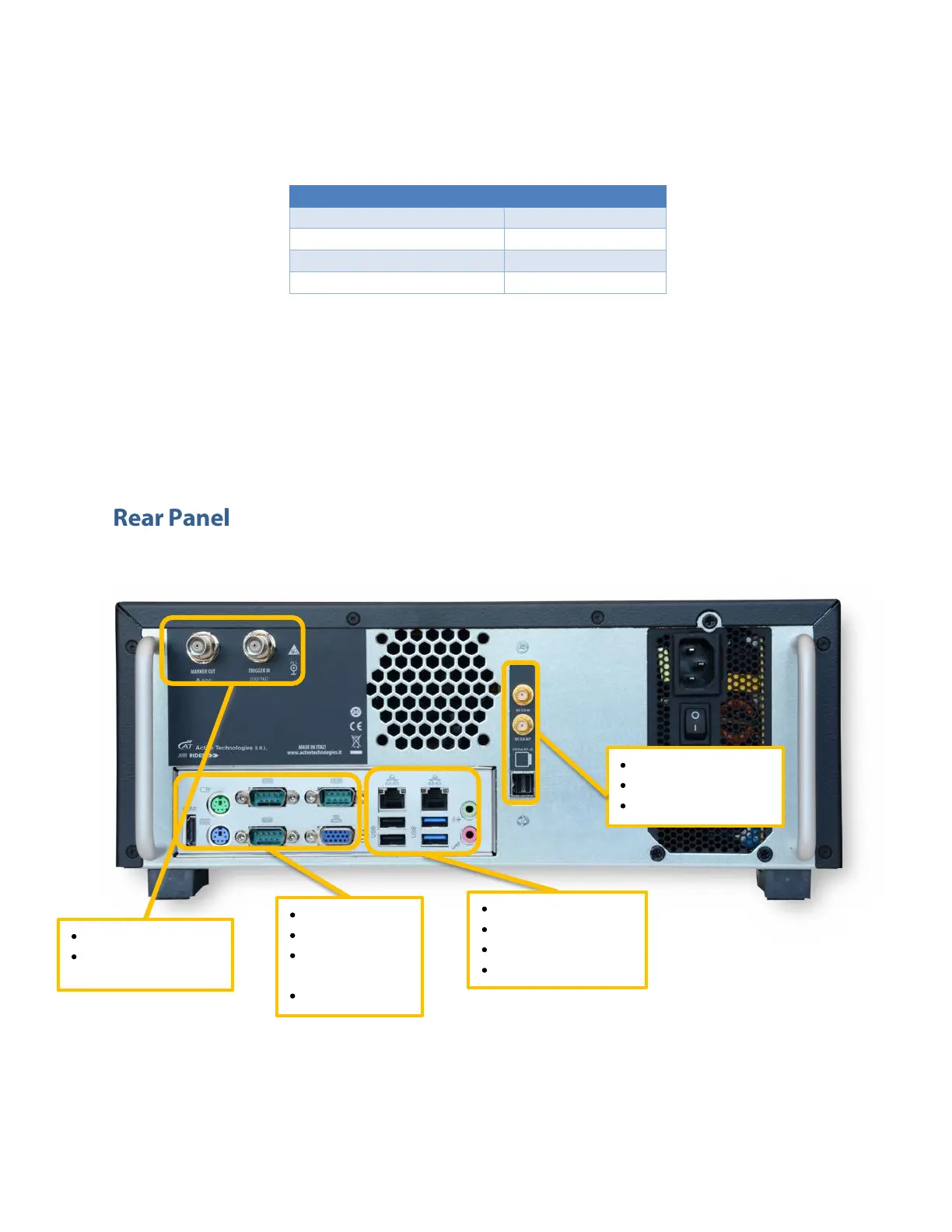
The callouts on this image give the description of the corresponding connectors.


 To Next Page
 Loading...
