Model 670C Berkeley Nucleonics Corp. 28 of 96
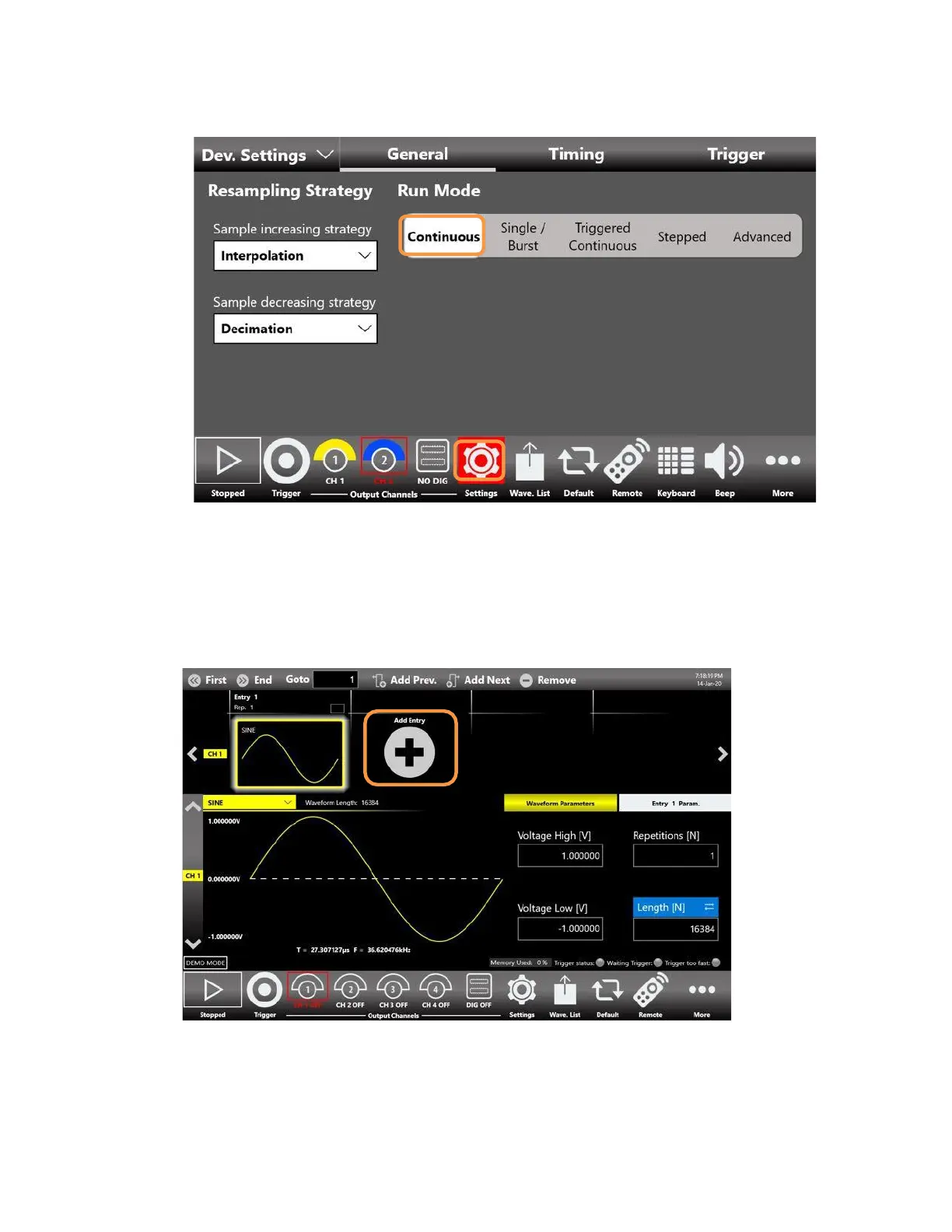
6. Touch again the setting button to close the instrument settings window
7. By default, the CH1, CH2 are disabled: it means that the outputs are mechanically disconnected
from the load and the digital outputs are in OFF state.
8. The waveform sequencer located at the top of the application starts by default with a single
entry with a sine waveform. Touch the Add Entry button to insert a new entry into the
Channel1.



 To Next Page