Important Note: For analog output channels the dropdown list will show only the waveforms of type
“Analog” that are available in the Waveform List (see “Waveform List” paragraph). Therefor only the
waveforms of type “Analog” in the Waveform List can be assigned to analog output channels.
For Digital output channels, the dropdown list will show only the waveforms of type “Digital” that are
available in the Waveform List (see “Waveform List” paragraph). Therefor only the waveforms of type
“Digital” in the waveform List can be assigned to Digital output channels.
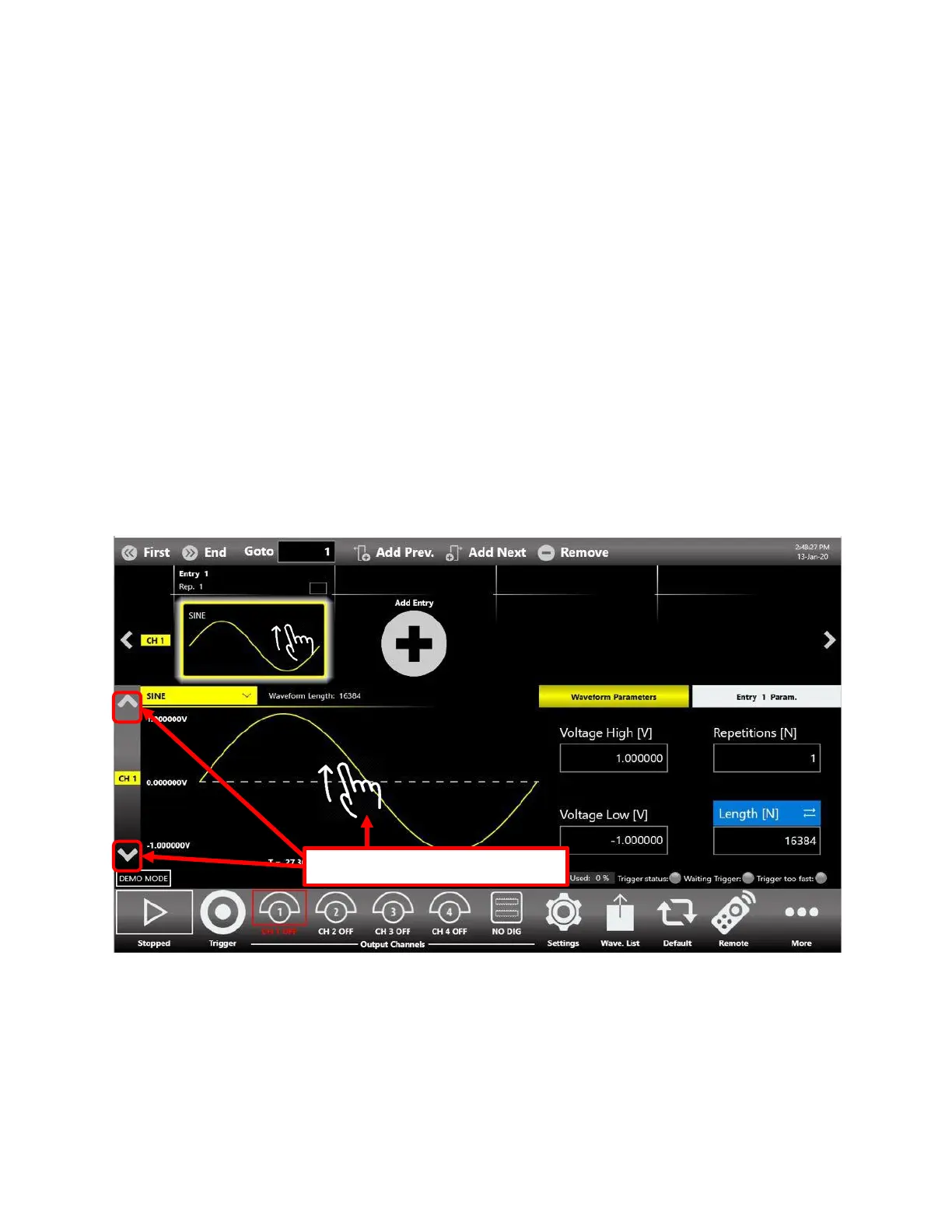
Important Note: it is possible to modify the waveform of another channel (that by default are
automatically set to DC level when a new entry is added in the sequencer) by using the swipe up/down
gesture on the Graph Area or by using the swipe up/down gesture on the selected entry item or by
pressing the up/down arrow on the left side of the graph to change the Output Channel page. Then the
waveform can be changed by pressing the dropdown waveform list.


 To Next Page
 Loading...
