Model 670C Berkeley Nucleonics Corp. 38 of 96
►
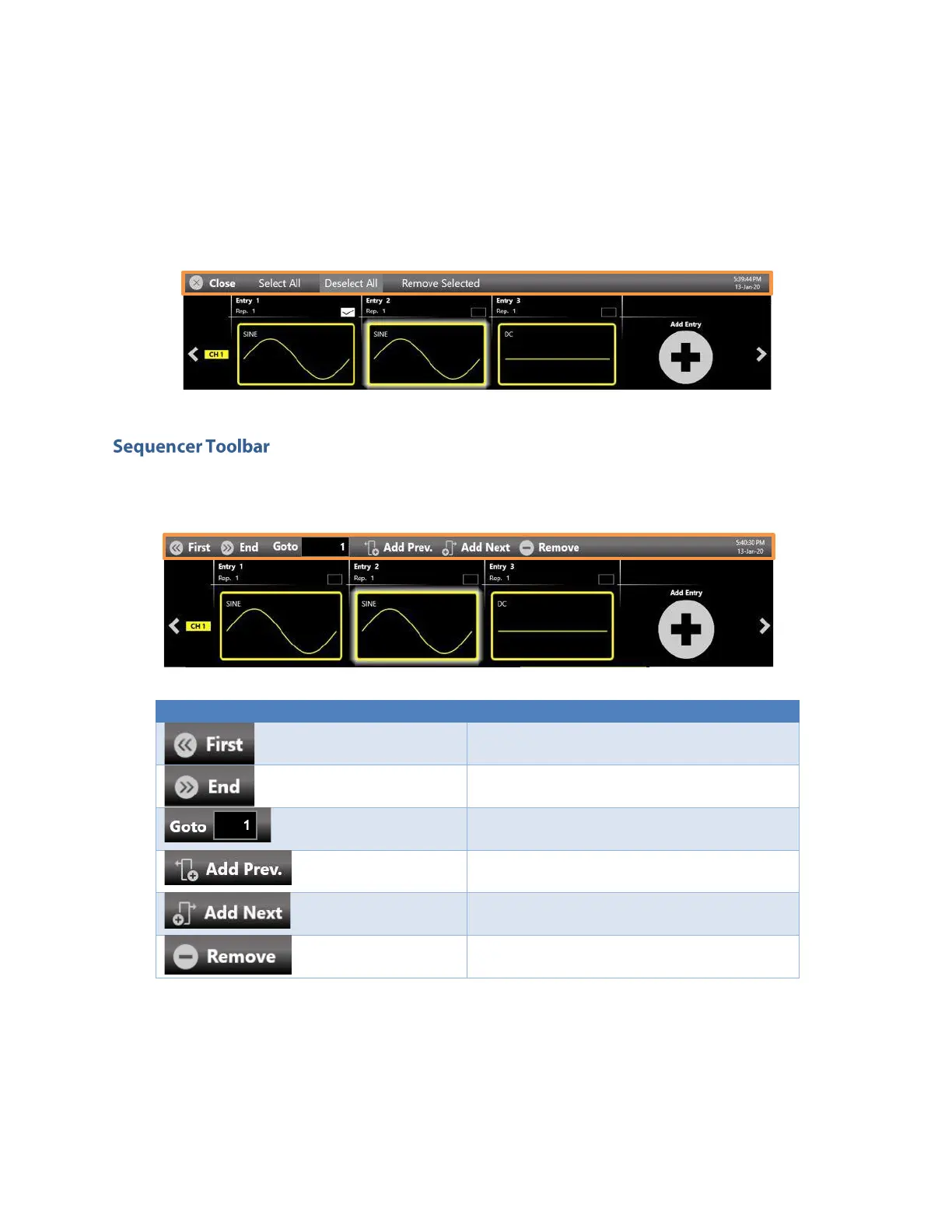
Select All the entries;
►
Deselect All the entries;
►
Remove the Selected entry;
►
Close the bar.
This sequencer toolbar contains several buttons to navigate and control the sequencer that are
described here below in detail:
Sequencer Toolbar Description
First Entry Button – Press this button to go
to the first entry.
Last Entry Button – press this button to go to
the last entry.
Goto Entry Button – Use this button to go to
the Entry N.
Add Prev. Button – Use this button to add a
sequencer entry before the selected entry.
Add Next. Button – Use this button to add a
sequencer entry after the selected entry.
Remove Button – Use this button to remove
the selected entry.
Sequencer Warnings
Warnings are shown in the sequencer toolbar in case one or more channel waveforms have been
assigned to an entry with a different length. The upper warning gives is general warning that notifies this
condition. Additional warnings are displayed inside the entries where the warning condition is detected.


 To Next Page
 Loading...
