Waveform Graph
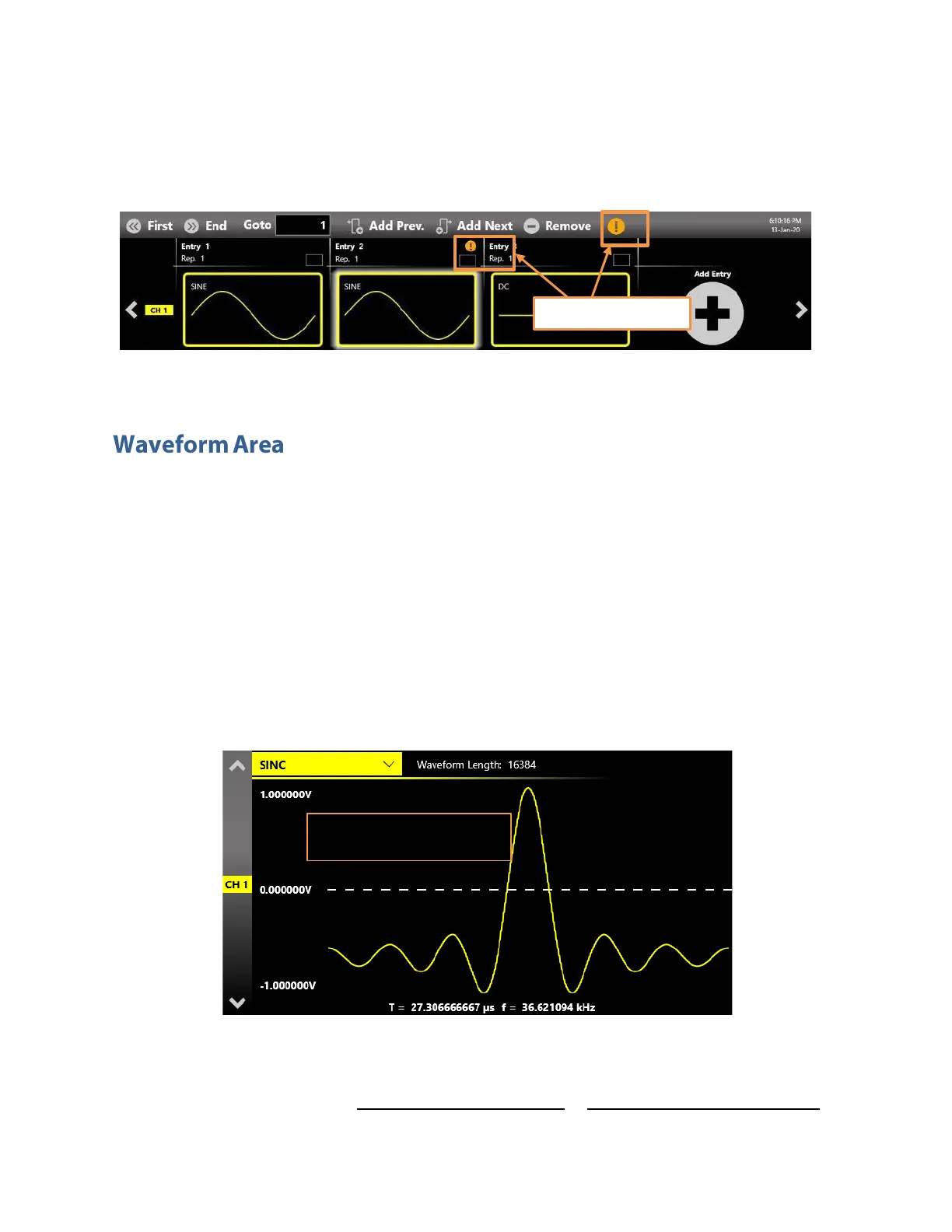
In presence of warnings the application will modify the mismatching waveforms during the execution to
match the entry length using the strategy specified in the Sample increasing/decreasing strategy
parameter (Device Settings -> General page)
This area is divided in two main sections, the Waveform Graph area that contains a graphical
representation of the channel waveform and the Waveform Parameters area.
The Waveform Graph gives a description of the waveform assigned to the current channel and
sequencer entry. The waveform is described as:
►
The waveform shape;
►
The waveform duration and frequency;
►
The waveform amplitude;
►
The waveform length in term of number of samples as it was originally defined in the Waveform
List (described below)
The Waveform Parameters area is divided in two parts. The left part contains the vertical parameters of
the selected waveform in terms of Amplitude[Vpp] and Offset[V] or Voltage High[V] / Voltage Low [V].


 To Next Page
 Loading...
