Model 670C Berkeley Nucleonics Corp. 67 of 96
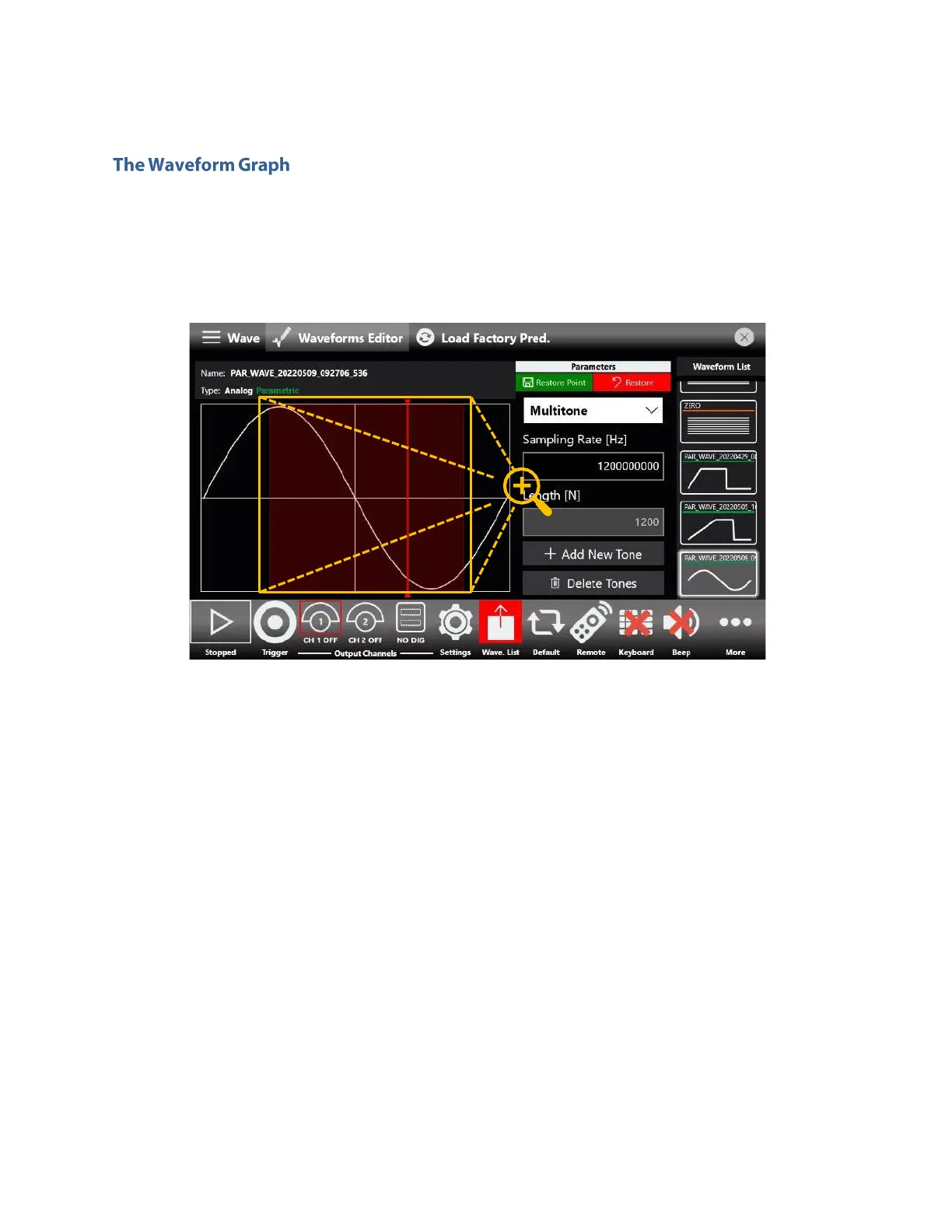
The Graph Area presents you with a rendition of the currently selected waveform. You can zoom in both
directions, by simply doing a pinch-in/pinch-out gesture, or by holding the left mouse button while
dragging the pointer over the section you want to zoom. Doing so will highlight the selected section with
a red hue overlay, like its shown in the following image.
Instead, to zoom out while using a mouse, simply drag the red slider, amongst the various information, it
also contains a Reset Zoom button. If you keep the right mouse button pressed you will bring up a small
shortcut menu, with option for both zooming in and out and one for resetting the zoom level to default.
You can also access this menu by simply holding down when operating via touch, as shown below.



 To Next Page