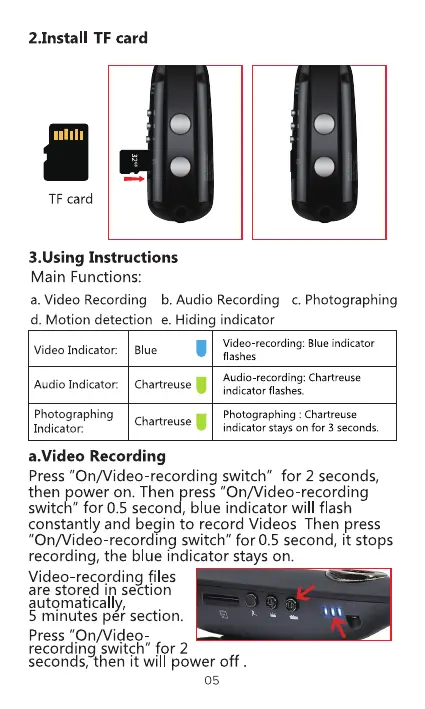
2.1nstall TF card
TF card
3.Using Instructions
Main Functions:
a. Video Recording b. Audio Recording c. Photographing
d. Motion detection e. Hiding indicator
Video Indicator:
Audio Indicator:
Photographing
Indicator:
Blue
Video-recording: Blue indicator
flashes
Audio-recording: Chartreuse
Chartreuse
indicator flashes.
Photographing : Chartreuse
Chartreuse
indicator Stayson for 3 seconds.
a-Video Recording
Press "On/Video-recording switch" for 2 seconds,
then power on. Then press "On/Video-recording
switch" for 0.5 second, blue indicator will flash
constantly and begin to record Videos Then press
"On/Video-recordlng switch" for 0.5 second, it stops
recording, the blue indicator stays on.
Video-recording files
are stored in section
automatical y,
5 minutes per section.
Press "On/Video
recording switch" for 2
seconds, then it will power off .



 To Next Page