BOBLOV
www.boblov.com
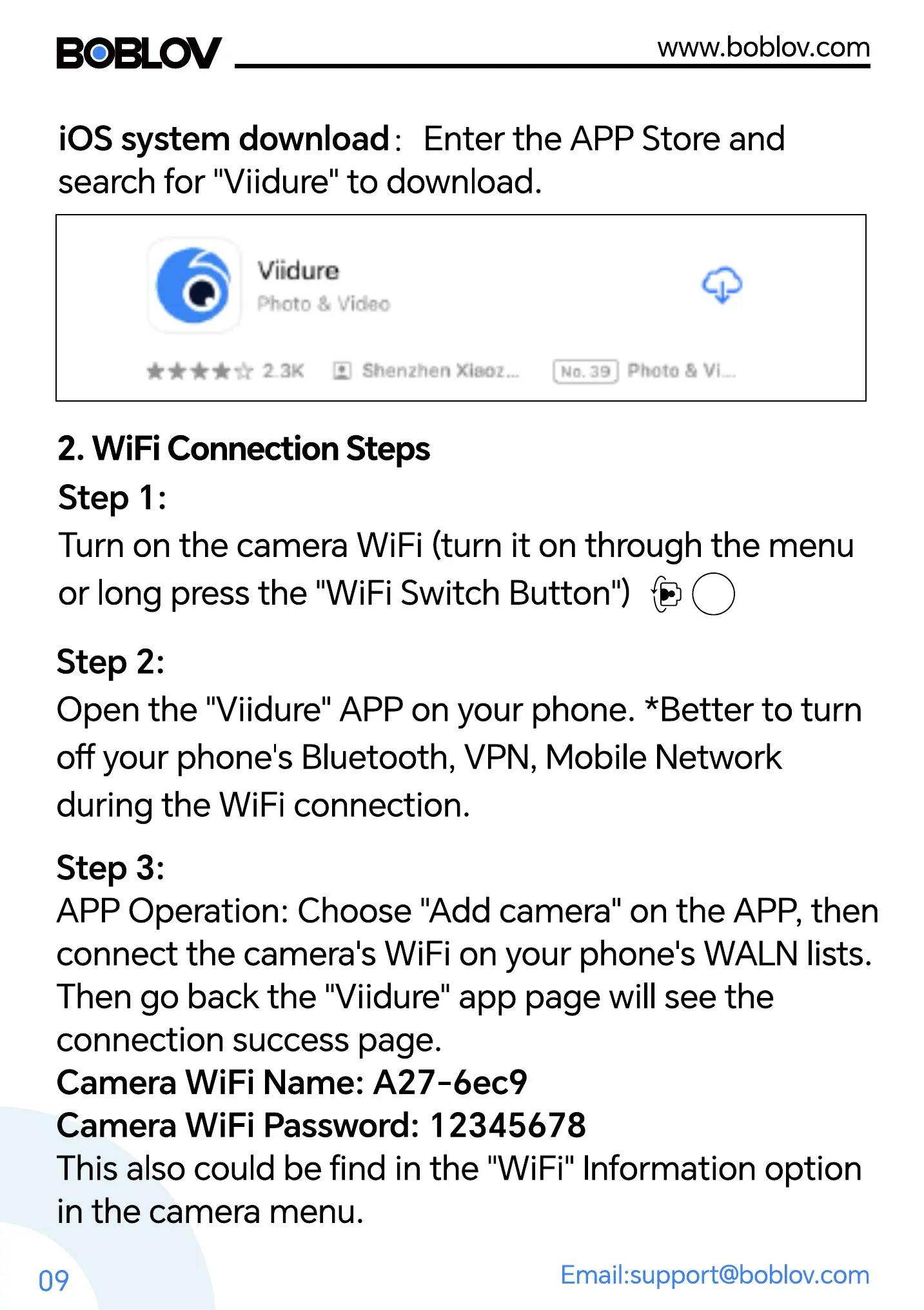
iOS system download: Enter the APP Store and
search for "Viidure" to download.
Viiduro
Photo 8 Video
23K Xi$'OZ.„
2. WiFi Connection Steps
Step 1:
Turn on the camera WiFi (turn it on through the menu
or long press the "WiFi Switch Button")
Step 2:
Open the "Viidure" APP on your phone. *Better to turn
off your phone's Bluetooth, VPN, Mobile Network
during the WiFi connection.
Step 3:
APP Operation: Choose "Add camera" on the APP, then
connect the camera's WiFi on your phone's WALN lists.
Then go back the "Viidure" app page will see the
connection success page.
Camera WiFi Name: A27-6ec9
Camera WiFi Password: 12345678
This also could be find in the "WiFi" Information option
in the camera menu.
09
Email:support@boblov.com



 To Next Page