www.boblov.com
Connect Computer
BOBLOV
Directly connect to the computer in any mode and use
it as a USB flash disk. "Prompt USB connected"
appears on the camera screen. You can freely copy,
delete, and backup files.
Menu Settings
If you need to change the initial settings, please short
press the "Menu Button" in standby mode to enter,
short press the "Menu Button" again to find the setting
that needs to be changed.
0KButton @ : inmenupage,everypressofthe
setting will change the options.
Up/Down Button A / v : after short press and
comfirm the 0K Button, scroll to the previous/next
setting.
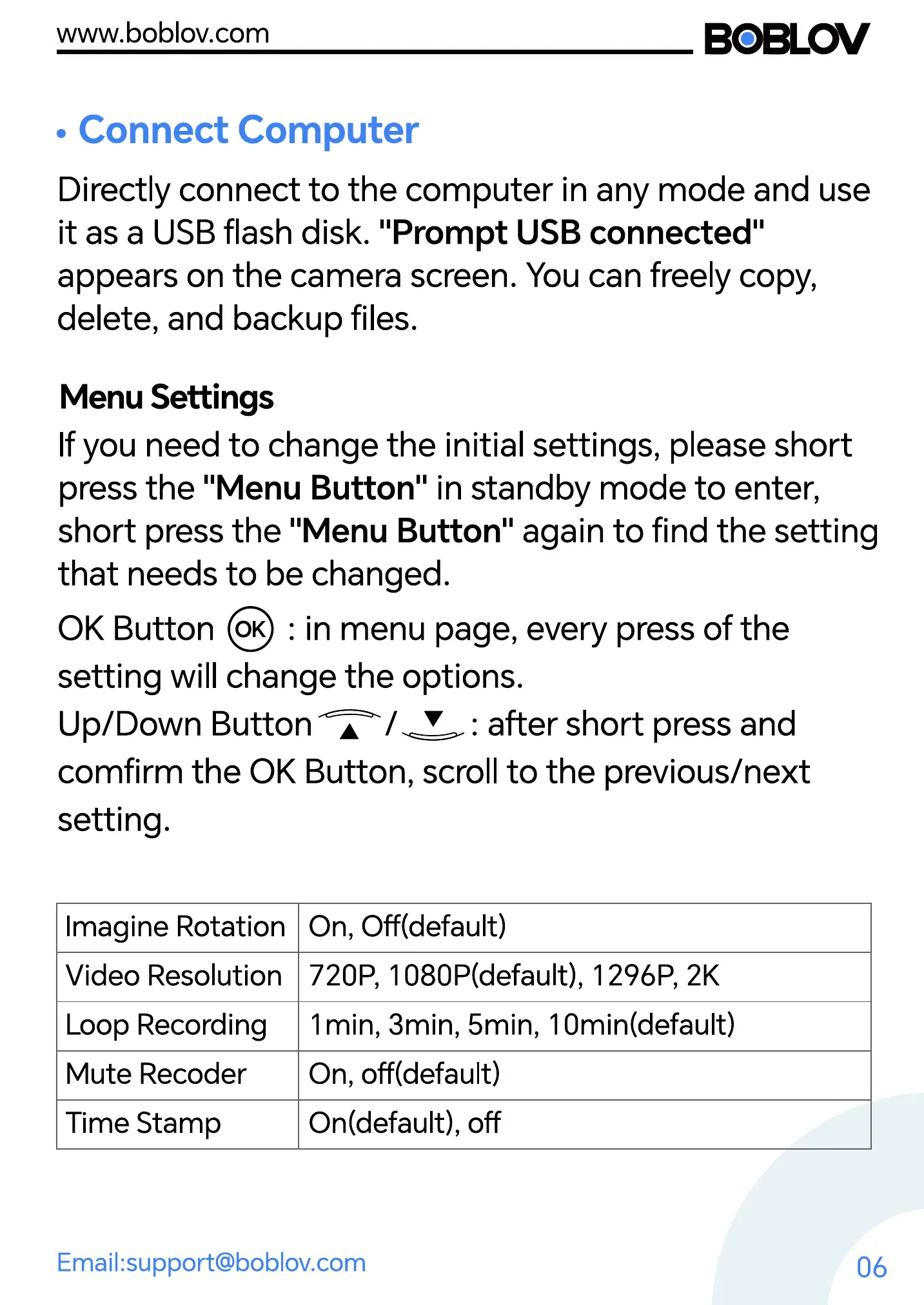
Imagine Rotation
Video Resolution
Loop Recording
Mute Recoder
Time Stamp
On, Off(default)
720P, 1080P(defauIt), 1290, 2K
1min, 3min, 5min, 1Omin(default)
On, off(default)
On(default), off
Email:support@boblov.com
06



 To Next Page