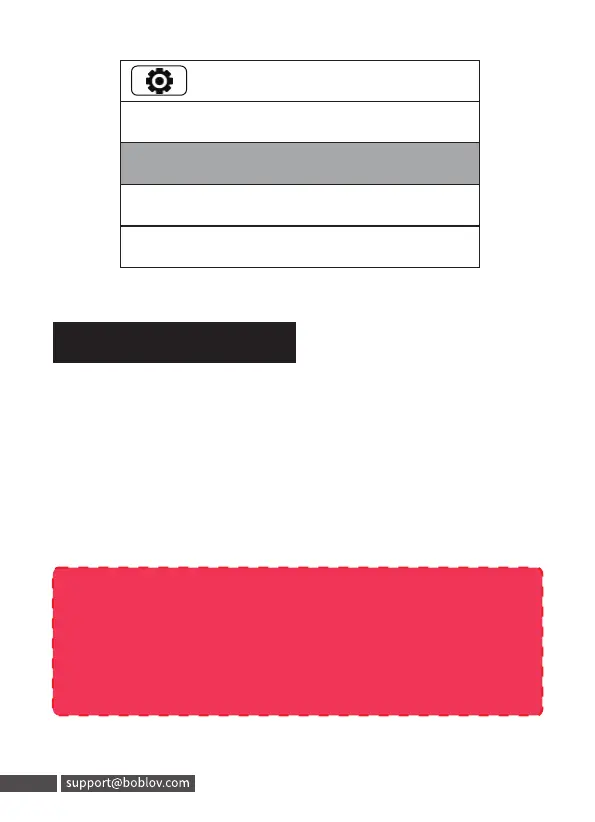
CarDV Mode means the camera will start recording
auto as long as you power the machine.
If you want the camera to be a dash cam, on standby
mode, enter the setting menu to set the ”CarDV Mode” to
“On”and save the change.
8. CarDV Mode
26/31
Coding Format: H.264
2022/06/02 15:50
ID Setting
Password: OFF
Note please:
When you activate the dash camera mode, the camera
will start to record auto after you connect the camera
with your car in ignition status.
19
26/31
Coding Format: H.264
2022/06/02 15:50
ID Setting
Password: OFF
8. CarDV Mode
CarDV Mode means the camera will start recording
auto as long as you power the machine.
If you want the camera to be a dash cam, on standby
mode, enter the setting menu to set the "CarDV Mode" to
"On" and savethe change.
Note please:
When you activate the dash camera mode, the camera
will start to record auto after you connect the camera
with your car in ignition status.
19 support@boblov.com



 To Next Page