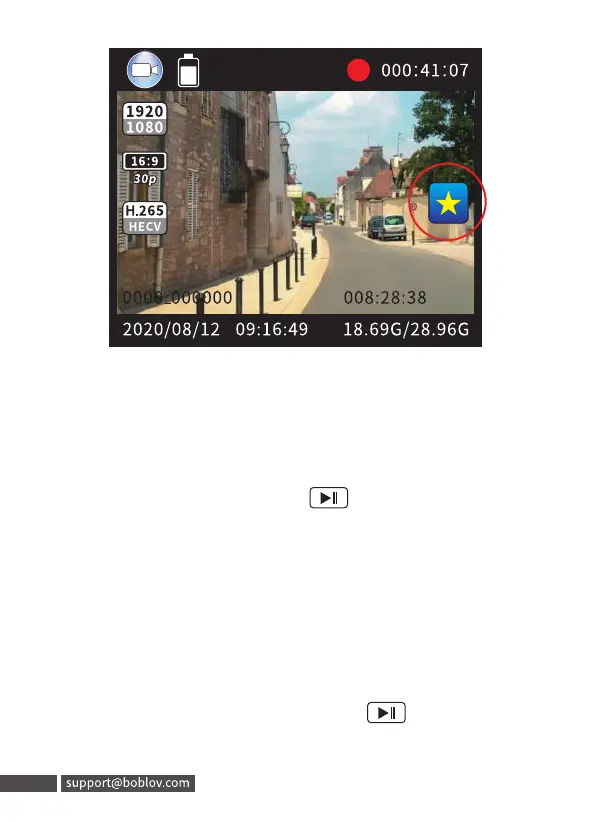
5. Video Fragment
The default is 10mins per video clip, if you want longer or
shorter fragment, please go to menu ”Split time” setting.
6. Playback
In standby mode, short press “ ” button to enter
playback.short press “FN”to select video,photo, audio
playback.
7. Delete file
a)The camera supports to delete files by connecting the
camera with computer
b)You can also delete the password on the camera directly,
Step 1: In standby mode, short press “ ” button to enter
playback, and select one.
23
1920
16:9
30p
H.265
2020/08/12
5. Video Fragment
18.69G/28.96G
The default is 10mins per video clip, if you want longer or
shorter fragment, please go to menu "Split time" setting.
6. Playback
Instandbymode,short press"CEj()"button to enter
playback.short press "FN"to select video, photo, audio
playback.
7. Delete file
a)The camera supports to delete files by connecting the
camera with computer
b)You can also delete the password on the camera directly,
Step1: Instandbymode,short press"@jÜ" button to enter
playback, and select one.
23 support@boblov.com



 To Next Page