IOS system
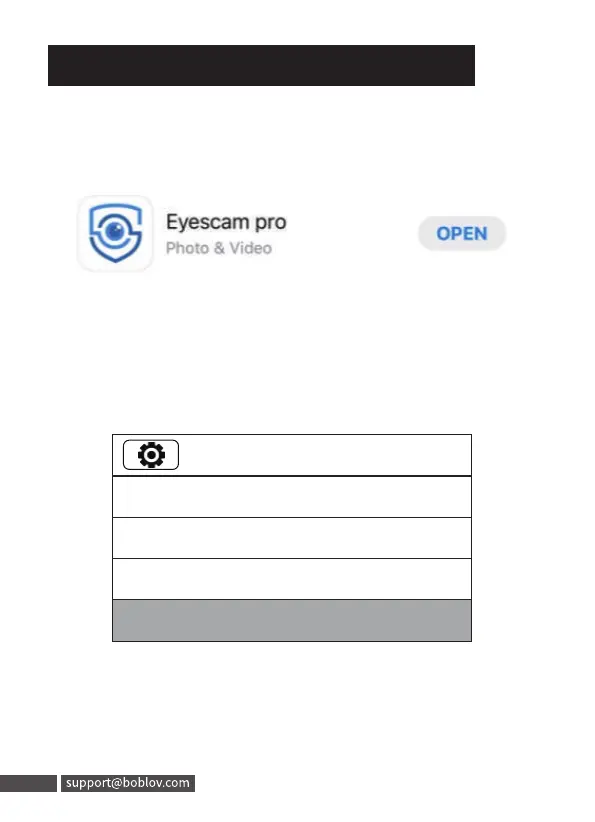
Step 1: Search”Eyescam pro” in apple store and download
11. WIFI Function(Optional)
Step 2: Turn on the wifi on the camera menu. The top small
screen icon will be blue, and back screen icon will be
green.
4/31
1920x1080 30p 16:9
30M(7296x4104 16:9)
Burst:OFF
WIFI:ON(AP)
29
11. WIFI Function(Optional)
IOS system
Step 1: Search" Eyescam pro" in apple store and download
Eyescam pro
Photo & Video
OPEN
Step 2: Turn on the wifi on the camera menu. The top small
screen icon will be blue, and back screen icon will be
green.
30p 16:9
30M(7296x4104 16:9)
Burst:OFF
29 support@boblov.com
4/31



 To Next Page