Email:suppo@boblov.com 03
www.boblov.com
Basic Operation
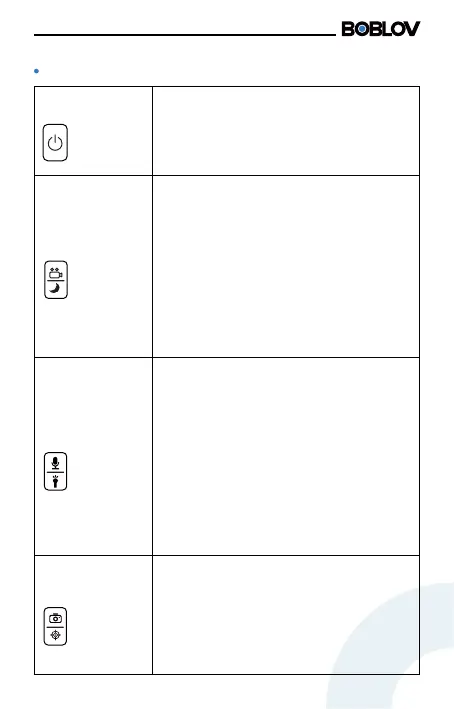
Power Button
Long press the button to boot. After the
camera is powered on, sho press the
button to turn the screen o/on to light
o the screen, or long press to power o
the camera.
Photo Button/
Red Laser Button
1. After powering on the camera,sho
press the button to take photos. Eve
press will take one photo.
2. Long press to turn on the red leser. In
this state, video recording and photo
taking can be peormed. Long press
again to turn o the red leser.
Video Button/
Night Vision Key
1. After turning on the camera, sho
press the button to record video le,
press it again to stop recording, and save
the video le. In power-o state, long
pressing the button can boot the camera
and sta video recording.
2. In standby mode, long press to turn on
the night vision function, long press it
again to turn o the night vision function.
In this state, video recording, and photo
taking functions can be peormed.
Audio Button/
White Light
Button
1. After powering on the camera, sho
press the button to record a piece of
audio, press it again to stop audio
recording, and save the audio le. In
power-o state, long pressing the button
can boot the camera and sta audio
recording.
2. In standby mode, long press to turn on
the white light. In this state, video
recording, and photo taking functions
can be peormed. Long press again to
turn o the white light.



 To Next Page