Email:suppo@boblov.com 05
www.boblov.com
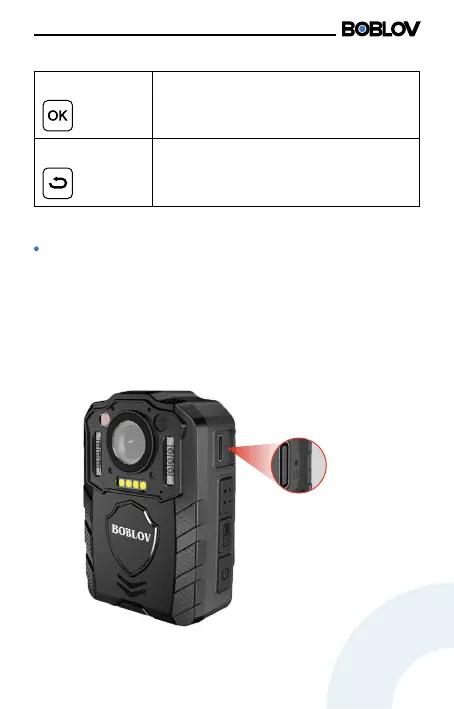
Reset
Reset
Conrm Button
Sho press the button to conrm or
enter the current option.
Return Key
In menu settings, sho press the return
key to return to the previous level.
When the device crashes or stops working due to
improper operation or other special reasons, please
press the button to reset the camera.
en long press the power button to resta the
camera.



 To Next Page