www.boblov.com
Then follow the below steps to use the GPS Player:
1. After download the software on the computer, double
click the GPS Player software Installer Package to install
it.
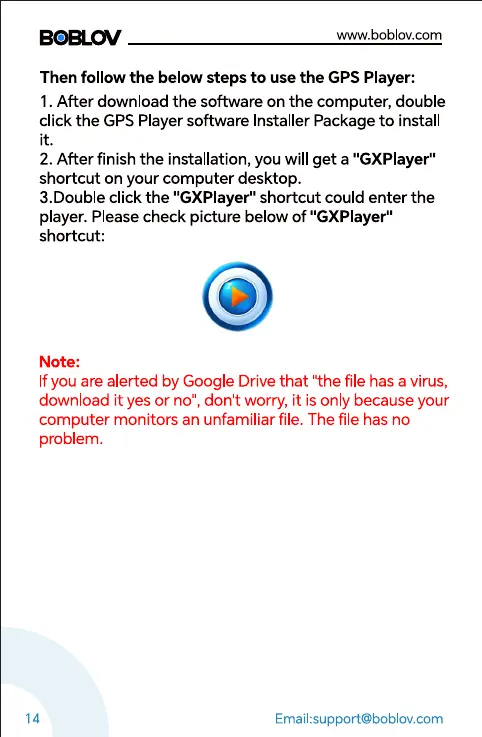
2. After finish the installation, you will get a "GXPlayer"
shortcut on your computer desktop.
3.Double click the "GXPlayer" shortcut could enter the
player. Please check picture below of "GXPlayer"
shortcut:
Note:
If you are alerted by Google Drive that 'the file has a virus,
download it yes or no", dont worry, it is only because your
computer monitors an unfamiliar file. The file has no
problem.
14
Email:support@boblov.com



 To Next Page