www.boblov.com
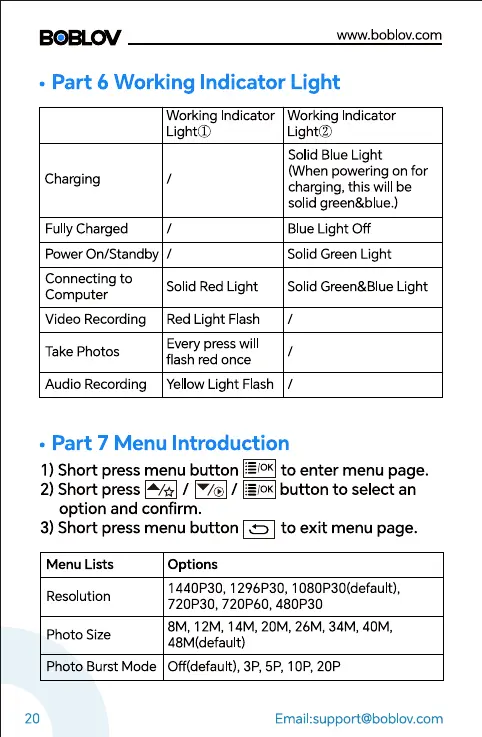
• Part 6 Working Indicator Light
Working ndicator Working Indicator
Charging
FullyCharged
Power On/Standby
Connecting to
Computer
Video Recording
Take Photos
Audio Recording
Lighto
Solid Red Light
Red Light Flash
Every press will
flash red once
Lighto
Solid Blue Light
(When powering on for
charging, this will be
so id green&blue.)
BlueLight Off
Solid Green Light
Solid Green&Blue Light
Yellow Light Flash /
• Part 7 Menu Introduction
I) Short press menu button to enter menu page.
2)Short press / / button to select an
option and confirm.
3) Short press menu button to exit menu page.
Menu Lists
Resolution
Photo Size
Options
1440P30, 1296P30, 1080P30(defauIt),
720P30, 720P60, 480P30
8M, 12M, 14M, 20M, 26M, 34M, 40M,
48M(default)
20
Photo Burst Mode Off(default), 3P, 5P, lop, 20P
Email:support@boblov.com



 To Next Page