www.boblov.com
2.4.3 Video Locked
During video recording, short press the up/video mark
E] button(the up/video button is locatedat bottom
on back of camera), and a yellow triangle exclamation
mark appears in the upper right corner of the screen
(short press the button again releases/cancelsthe
lock and the mark disappears); then short press the
video button COD again to save this locked video file.
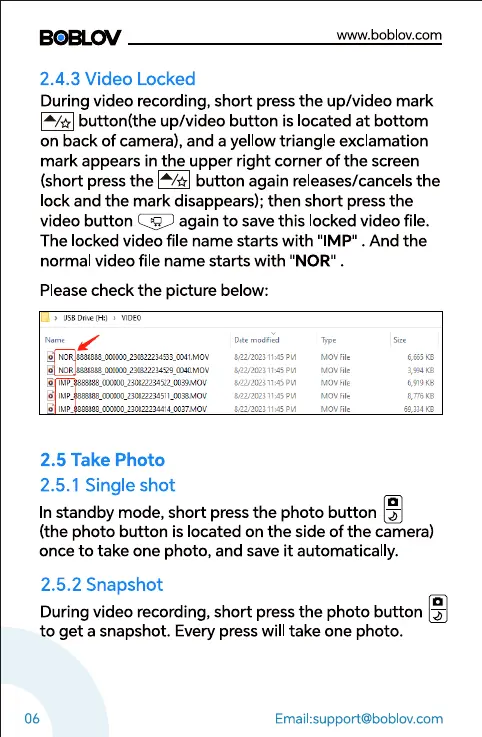
The locked video file name starts with "IMP" . And the
normal video file name starts with "NOR"
Please check the picture below:
•aoto
blov
Y22,QC2J PM
V22.QCB "M
IMP_
2.5 Take Photo
2.5. I Single shot
n.tov
06
In standby mode, short press the photo button -S
(the photo button is located on the side of the camera)
once to take one photo, and save it automatically.
2.5.2 Snapshot
During video recording, short press the photo button -j-
to get a snapshot. Every press will take one photo.
Email:support@boblov.com



 To Next Page