Files Playback and Saving
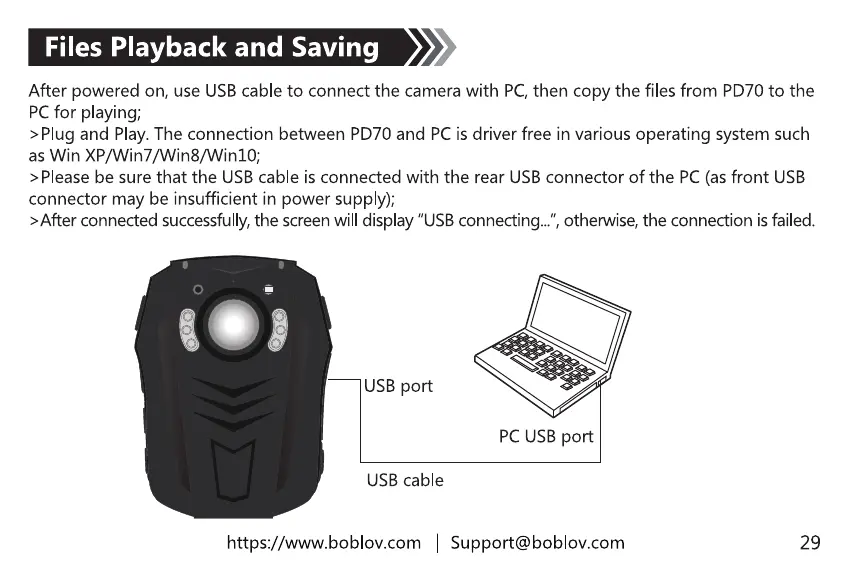
After powered on, use USB cable to connect the camera with PC,then copy the files from PD70 to the
PCfor playing;
>Plug and Play. The connection between PD70 and PC is driver free in various operating system such
as Win XP/Win7/Win8/Win10;
> Please be sure that the USB cable is connected with the rear USB connector of the PC (as front USB
connector may be insufficient in power supply);
>After connectedsuccessfully,the screenwill display"USBconnecting...",otherwise,the connection isfailed.
USB port
USB cable
https://www.boblov.com I
PC USB port
Support@boblov.com
29



 To Next Page