*How to return previous interface?-----Short Press “Audio”Button
*How to enter the camera menu?-----Long press"OK"Button
4
5
6
5.1
5.2
5.3
5.4
5.5
5.6
5.7
5.8
5.9
6.1
6.2
6.3
6.4
6.5
6.6
6.7
6.8
6.9
6.10
6.11
1
1
2
3
4
4
4
4
4
4
5
6
6
6
7
7
8
8
8
9
10
10
10
11
11
11
BOBLOV
Contents
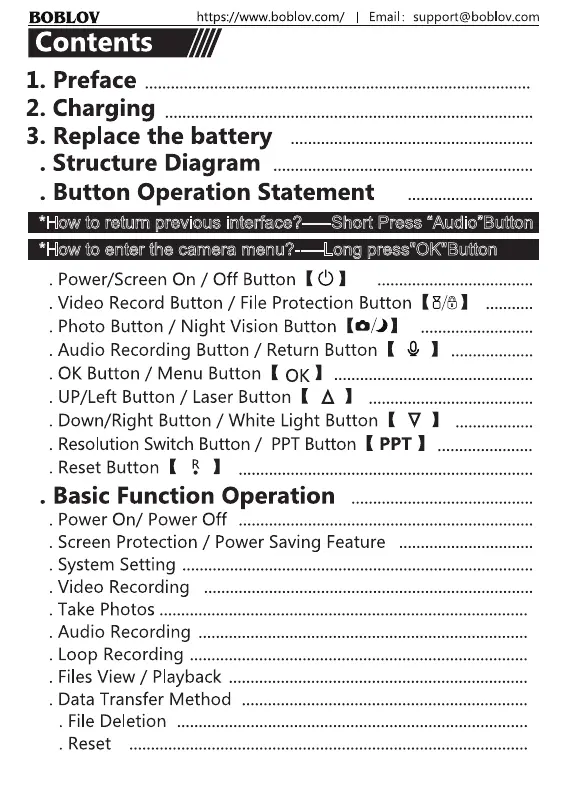
1. Preface
2. Charging
https://www.boblov.com/ I
Email:
support@boblov.com
3. Replace the battery
4. Structure Diagram
5. Button Operation Statement
*How to retum revious interface?——Short Press "Audio"Button
*How to enter the camera menu?-—-Long press"OK"Button
5.1. Power/Screen On / Off Button ( C) I
5.2. Video Record Button / File Protection Button (8/6
5.3. Photo Button / Night Vision Button (o
5.4.Audio Recording Button / Return Button ( 0
5.5. 0K Button / Menu Button ( 0K
5.6. UP/Left Button / Laser Button ( A I
5.7. Down/Right Button / White Light Button ( V
5.8. Resolution Switch Button / PPTButton ( PPT I
5.9. Reset Button K I
6. Basic Function Operation
6.1 . Power On/ Power Off
6.2. Screen Protection / Power Saving Feature
6.3. System Setting .
6.4. Video Recording
6.5. Take Photos .
6.6. Audio Recording
6.7. Loop Recording .
6.8. FilesView / Playback
6.9. Data Transfer Method
6.10. File Deletion .
6.11 . Reset
9
• .10
• .10
• .10
• •11



 To Next Page