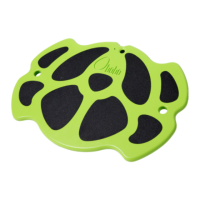
• Turn off the BOBO and reset the tablet. Wait until the home screen
re-appears. Now, power on the BOBO again and wait for a minute.
• Make sure that the BOBO’s battery is charged by connecting the
charger cable to the BOBO and checking the charging status.
What should I do if BOBO’S wallpaper has disappeared?
• Long press on the desktop, choose WALLPAPERS and then
choose BOBO WALLPAPER
What should I do if the tablet screen orientation changes frequently
while using the BOBO?
• Turn off the BOBO.
• Hold the tablet in the correct landscape position (buttons and
ports face to the right).
• After 15 seconds the screen orientation will correct itself
automatically.
• Go to SETTINGS > DISPLAY > WHEN DEVICE IS ROTATED and
choose STAY IN CURRENT ORIENTATION.
What should I do if the tablet screen doesn’t appear on the TV
screen?
• Make sure the HDMI cable is connected properly at both ends –
tablet and TV screen.
• Make sure that HDMI is enabled on the tablet: Go to SETTINGS >
DISPLAY > HDMI SETTINGS. Verify that HDMI is ON.
• Make sure that you chose the correct source on the TV.


 To Next Page