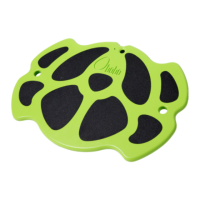
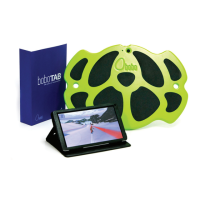
Now you’re ready to play!
After playing
You can power off the BOBO by pressing and holding the power button.
A long beep sounds and the Power LED turns off.
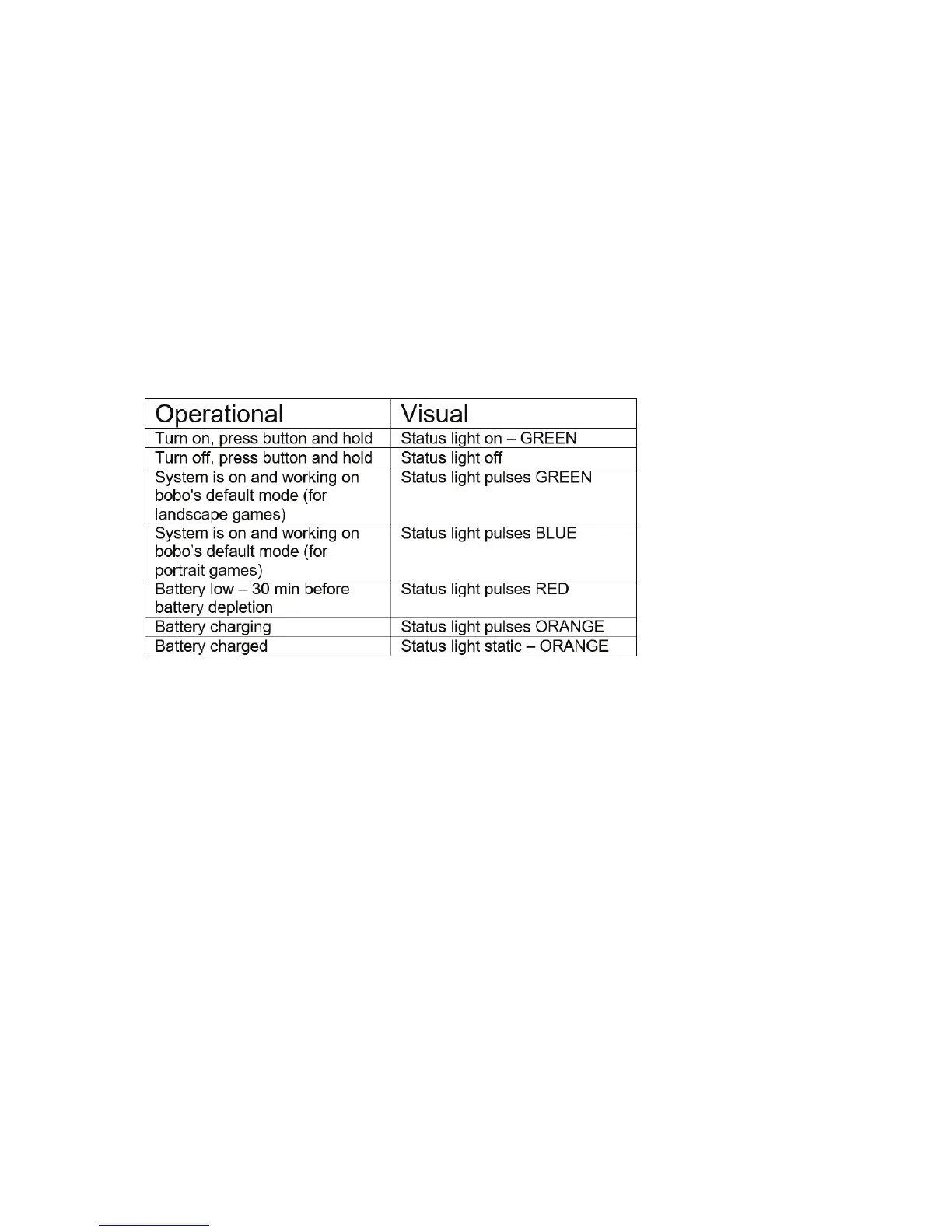
Operational signals
Troubleshooting
What to do if the BOBO does not connect to the tablet?
• Wait 10-20 seconds and verify that the egg on the bottom
right corner of the tablet wallpaper responds to the BOBO’s
movements. If the egg does not respond, wait another minute.
• Verify that Bluetooth is enabled on the tablet.
• Pairing is automatic! Make sure you didn’t pair the BOBO using
the tablet’s Settings tool. If the BOBO was paired in this way go
to SETTINGS > BLUETOOTH press on boboard3 and choose the
FORGET option.
• Verify that the BOBO is turned on (green or blue LED blinking).


 To Next Page