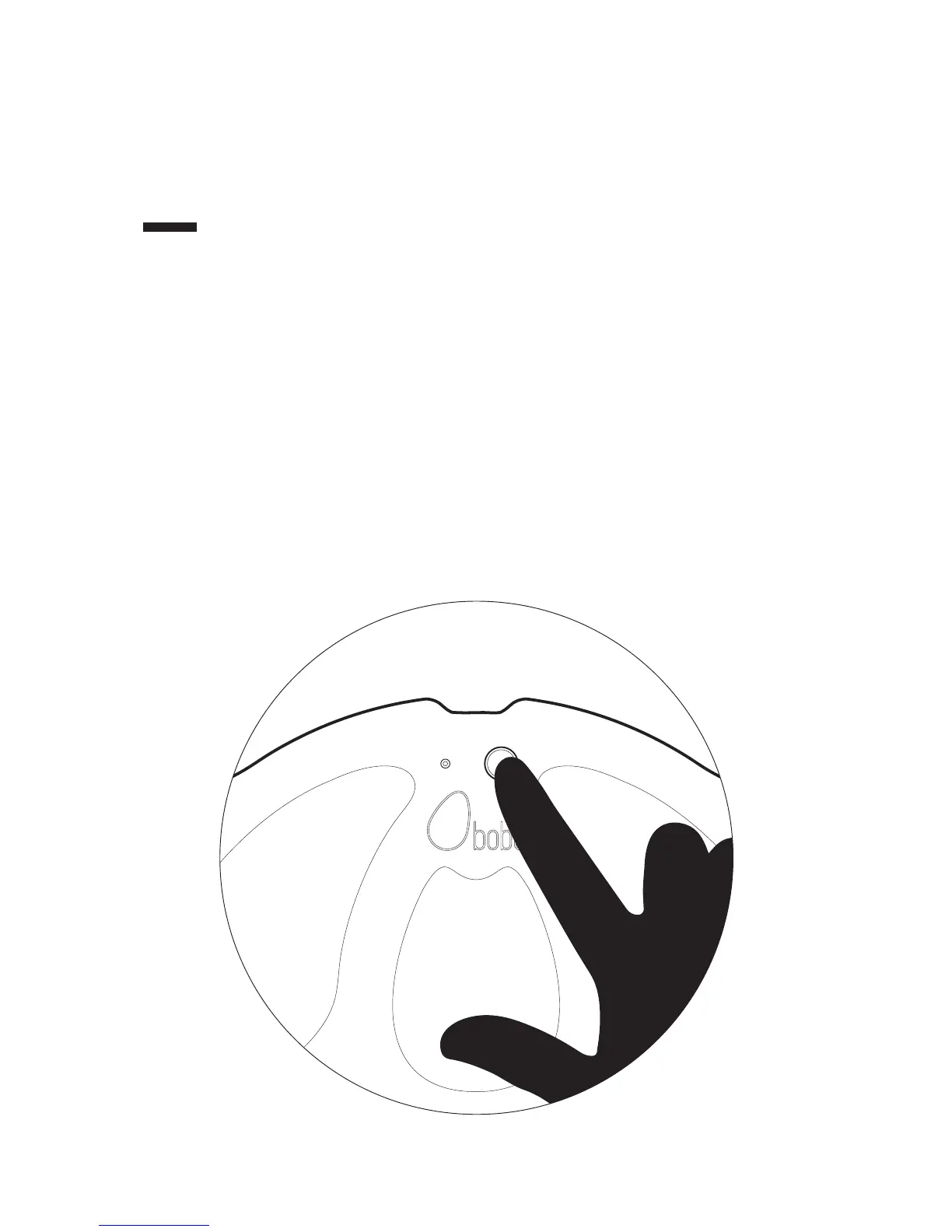
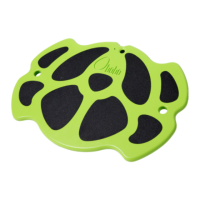
Power on the BOBO by pressing and holding the power button.
While powering on, the Power LED will pulse green.
Power LED Green:
Default mode (for landscape games).
Toggle between modes by short presses on the power button.
Power LED Blue:
Default mode (for portrait games)
Toggle between modes by short presses on the power button.
2


 To Next Page