Charging Time
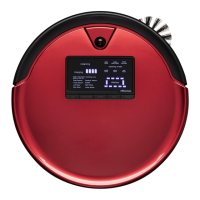
The two-digit number on the screen shows how long bObsweep has been charging.
You can calculate the exact number of minutes Bob has been charging for. Multiply
the number on the screen by 10. Note that the number starts from 0 every time
Bob is put to charge regardless of how full the battery is. For example, if the screen
shows the number 36 that means Bob has been charging for 360 minutes (6 hours).
The counter restarts at 100.
Even if bObsweep is fully charged, you will still see red bars blinking on his digital
display screen. On bObsweep PetHair the word ‘ready’ appears on the screen as
soon as the battery is full.
Bob can sit on his charging station for up to 5 non-working days. You can also
remove Bob from his charging station or adapter when he is charged. In this case,
turn Bob ‘O’ or he will lose charge.














 To Next Page