SH042-1 User Manual for BodiTrak LT V1.5, 25 Jan 2019
6
BodiTrak Technical Support: 800-847-3157
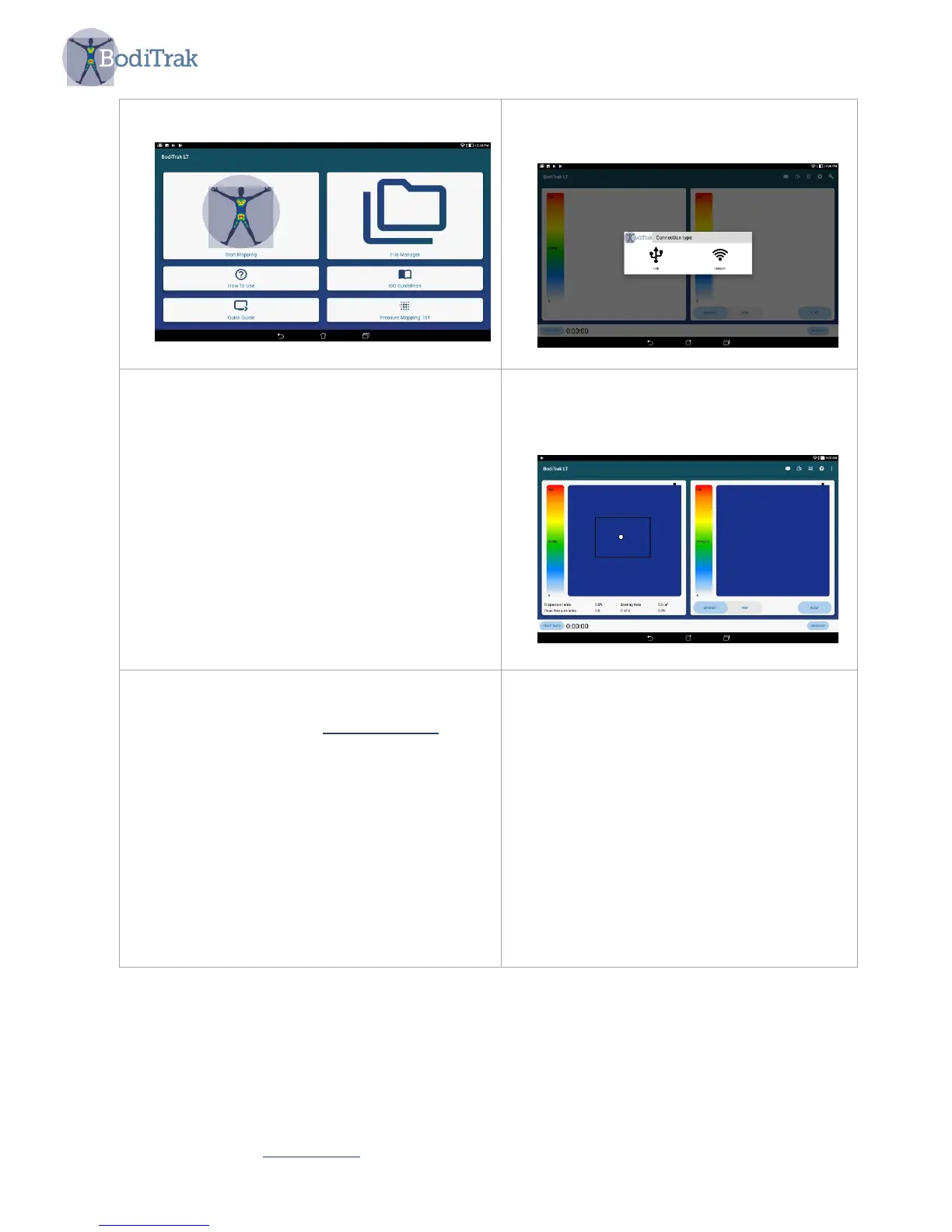
7. Tap ‘Start Mapping’
8. Choose the connection type from the
message box.
9. If you choose USB, then plug the Micro
USB cable from the pressure mat into
the tablet's Micro USB port and select
OK to allow access.
10. If you choose DataPort, then go to your
device’s Wi-Fi settings, select the
BodiTrak’s 2 or the Data Port’s SSID
you wish to connect to and input the
provided password. BodiTrak’s 2 SSID
and password can be found on the tag
attached to the USB cable. Data Port’s
SSID and password is shown on a tag
attached to your module.
11. If the blue mats appear on the User
Interface the connection was
successful.
12. If you are experiencing difficulties with
the software or physical set up, contact
technical support at 800-847-3157



 To Next Page