EXERCISE MONITOR INSTRUCTIONS
FOR EVOE4 · EVOU4 · EVOR4ENGLISH
7
6
1
3
2
5
2
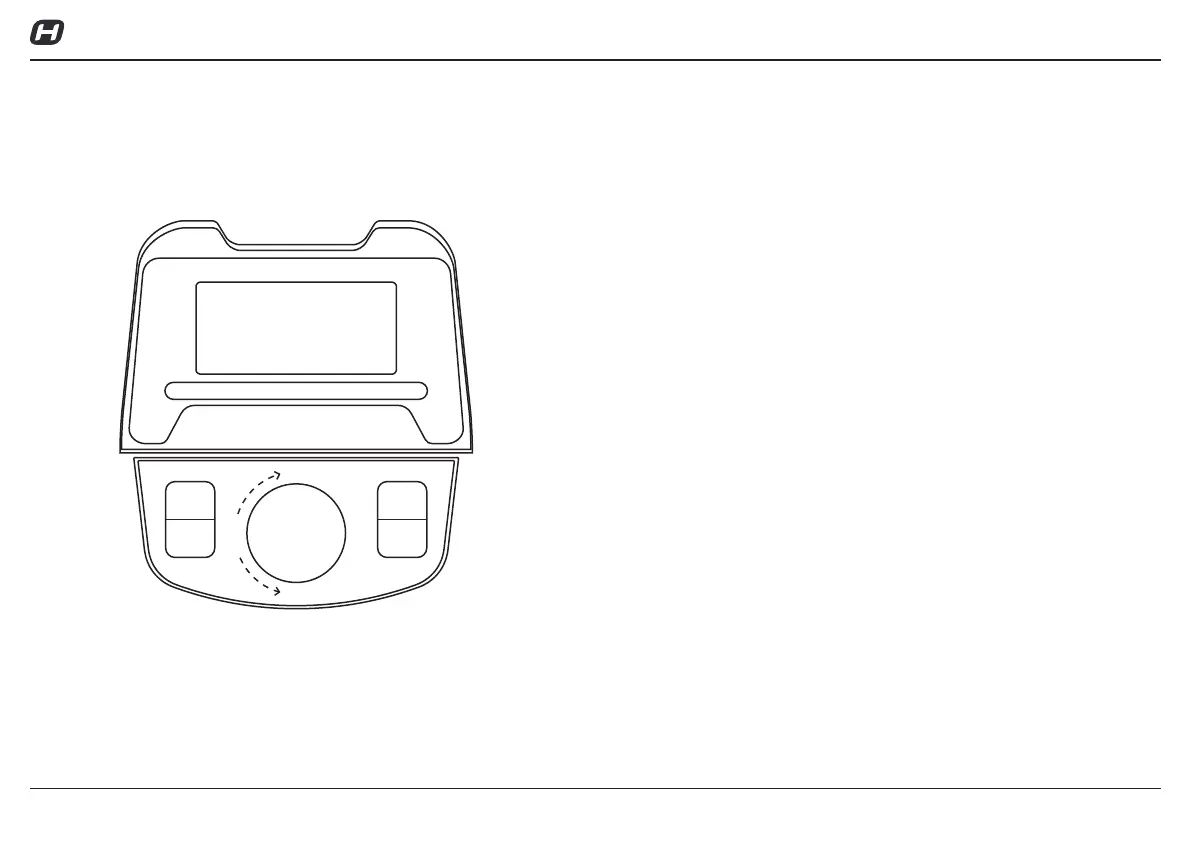
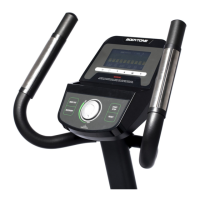
KEY FUNCTIONS
1. START/STOP(ST/SP):
√ Start & Pauses workouts.
√ Start body fat measurement.
√ Operates only when in stop mode. Holding key for 3 seconds will reset
all function value to be zero.
2. DOWN:
Decrease value of selected workout parameter: TIME, DISTANCE, etc.
During the workout, it will decrease the resistance load.
3. UP:
Increases value of selected workout parameter. During the workout,
it will increase the resistance load.
4. MODE(ENTER):
1. To input desired value or workout mode.
2. Press to switch display form RPM to SPEED, ODO to DIST , WATT to
Calories during workout.
5. TEST (PULSE,RECOVERY):
Press to enter into Recovery function when computer has the heart rate
value. Recovery is Fitness Level 1-6 after 1 minute. F1 is the best, and F6
is the worst.
6. RESET (If have):
To reset current setting. Holding key for 3 seconds will reset all function
value to be zero.
7. BODY FAT (If have):
Quickly select the BODY FAT program.


 To Next Page