Press for 3s with normal start.
2.1.
: Program key
18 Preset programs, 3 USER setting programs, Body fat Test programs.
2.2.
: Mode key
Press this button to loop the selection “0:00”,”30:00”,”1.0”,”50:0”(“0:00” is
manual mode,”30:00” is time countdown mode,”1.0” is distance countdown
mode,”50:00” is calorie counting mode.) When choosing various modes, the
speed and slope can be used to set the correlation, you can press to start
the treadmill after finishing setting.
2.3.
: Start key
“START” for startup, press SRATR the treadmill will run at minimal speed
2.4.
: Stop key
“STOP” for stop, the treadmill will stop when the key pressed
2.5.
: Speed +/-
Extra key for speed: standby status to adjust the set value. After starting, the
adjustment speed is adjusted, and the adjustment range is 0.1km/time, and it will
continue to increase or decrease automatically when it lasts for more than 0.5 seconds.
2.6.
: Incline +/-
“INCLINE+” and “INCLINE-” are for slop adjusting, which can be used for the data
setting; when the treadmill is in use, the key can be used to adjust the slop, advance
level per press; continuously press over 0.5s, it will continuously incline or decline.
EXERCISE MONITOR INSTRUCTIONS FOR EVOT4SENGLISH
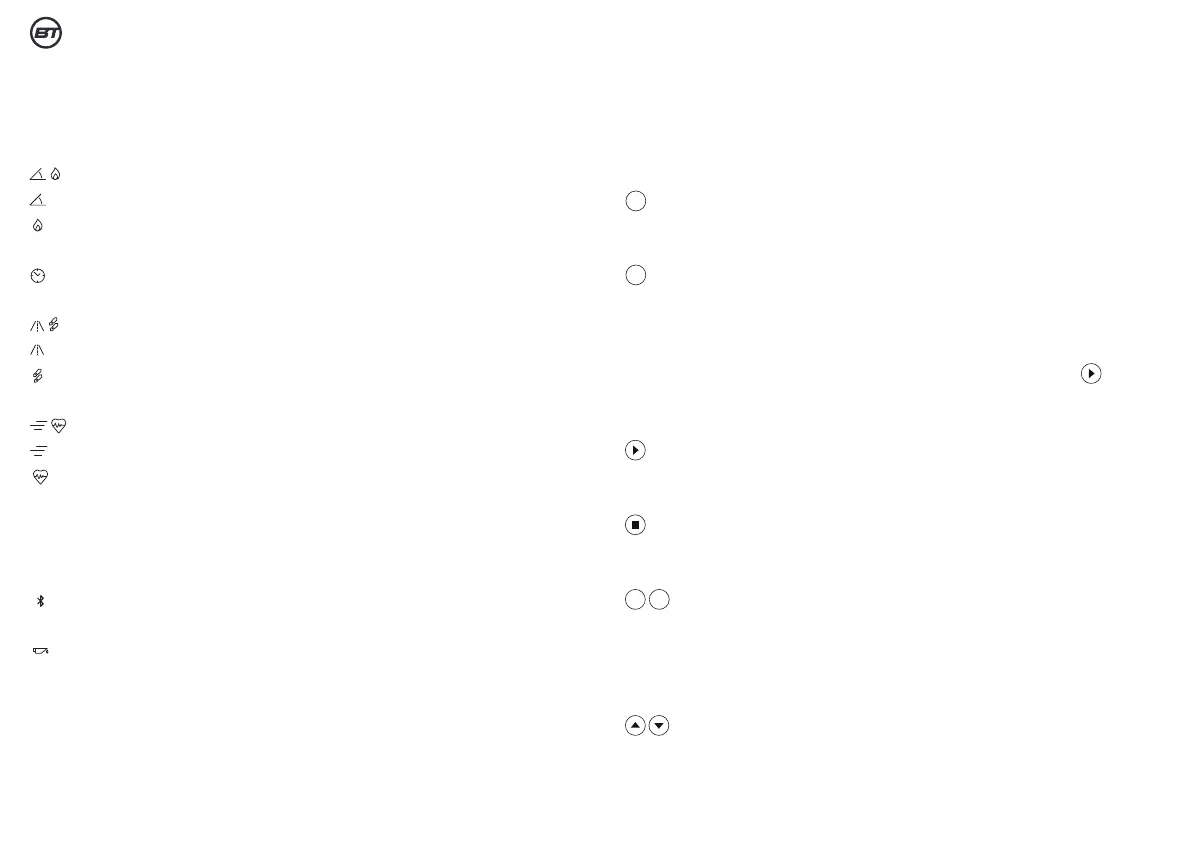
1. WINDOW DISPLAY:
1.1.
: display incline and calories in turn
: display incline
: display calories
1.2
: display time
1.3.
: display distance and steps in turn
: display distance
: display steps
1.4.
: display speed and heart rate in turn
: display speed
: display heart rate
1.5.
Middle dot matrix: display the runway and the number of turns, 400
meet per turn.
1.6.
: display bluetooth(optional)
1.7.
: display refueling
2. BUTTOM FUNCTION:
P
M
+
_


 To Next Page