EasyManua.ls Logo

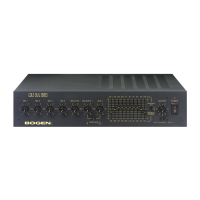
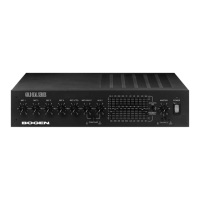
Bogen PS240 - User Manual

Bogen PS240
16 pages
Print Icon
To Next Page IconTo Next Page
Loading...
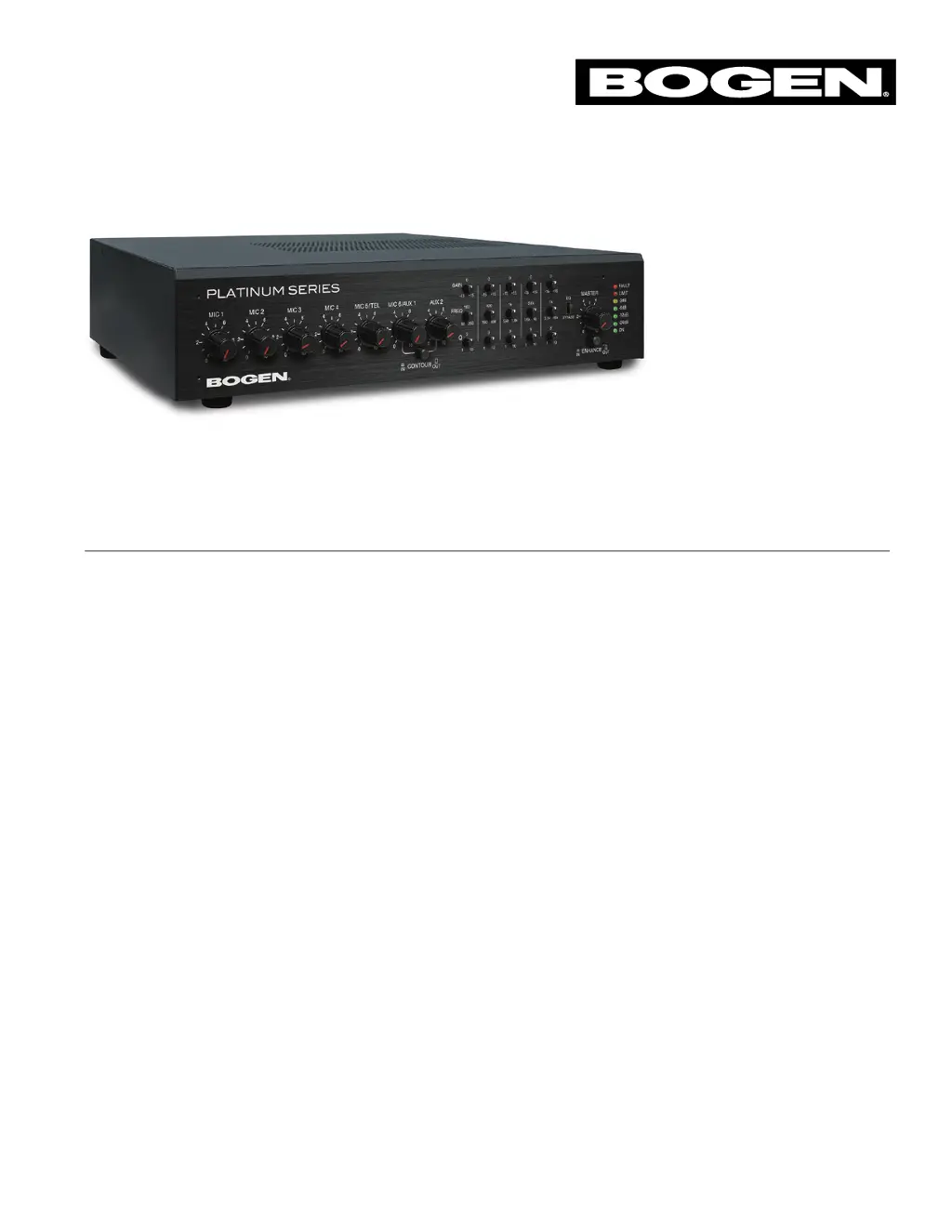
Platinum Series
Public Address Amplifiers
PS600, PS240, PS120, PS60 Models
Installation and Use Manual
© 2020 Bogen Communications, Inc. All rights reserved.
Specifications subject to change without notice.
740-00118B 2007

Questions and Answers

  • J
    Jennifer PetersonAug 15, 2025
    How to fix a Bogen Amplifier that will not turn on?
    • K
      Kelsey WeissAug 15, 2025
      If your Bogen Amplifier isn't turning on, the first thing you should do is check the fuse. When replacing it, make sure to use the exact same type and rating as the original.
  • T
    Thomas HernandezAug 18, 2025
    Why is the FAULT LED flashing on my Bogen PS240?
    • S
      Sara BookerAug 18, 2025
      The FAULT LED on your Bogen Amplifier may flash due to several reasons: * Over-current, often from speaker impedance below 8 ohms due to wiring issues. * High-temperature, ensure the amplifier's vents are unblocked. * DC voltage on the outputs: turn the power off for five seconds, then back on. * High-frequency protection: the amplifier automatically resets after muting the outputs.
  • S
    stephen73Aug 21, 2025
    Why is there no telephone output from my Bogen PS240 Amplifier?
    • T
      Todd SotoAug 21, 2025
      If you're not getting any telephone output from your Bogen Amplifier, ensure that the MIC 5/TEL switch is in the TEL position. Also, verify that the VOX control is properly set. When connecting the telephone Tip & Ring, be sure to use the two outside terminals and not the center terminal (GND).
  • T
    traci79Aug 25, 2025
    Why won't the AUX input mute with telephone page on my Bogen Amplifier?
    • L
      Luis WrightAug 25, 2025
      If the AUX input on your Bogen Amplifier isn't muting during a telephone page, check that the VAR MUTE control is not set to 4 (0 dB). This control adjusts the level of the background music when making a page.
  • B
    Bryan MccarthyAug 27, 2025
    Why does the telephone input cut off the music when not making a page on my Bogen PS240 Amplifier?
    • Y
      yprinceAug 27, 2025
      If the telephone input is cutting off the music on your Bogen Amplifier when you're not making a page, try adjusting the VOX control on the rear panel. This will help eliminate any unwanted noise that may be triggering the VAR MUTE circuit.
  • D
    david91Aug 30, 2025
    Why is the telephone input choppy or cutting off the beginning of a page on my Bogen PS240 Amplifier?
    • C
      Corey KaiserAug 30, 2025
      If the telephone input on your Bogen Amplifier is choppy or cuts off the beginning of a page, adjust the VOX control counterclockwise. This adjustment will cause the trigger to activate at a lower input signal level.
  • C
    Candace JacksonSep 2, 2025
    How to adjust the telephone page volume on my Bogen Amplifier if it is too loud?
    • J
      James SmithSep 2, 2025
      If the telephone page volume is too loud on some pages when using your Bogen Amplifier, adjust the ALC control on the rear panel.
  • J
    Joanne BaileySep 5, 2025
    Why does my microphone squeal or hum when using 3-pin connectors on my Bogen PS240 Amplifier?
    • K
      Kimberly BowersSep 5, 2025
      If your microphone squeals or hums when using the 3-pin connectors on your Bogen Amplifier, but not when using screw terminals, check your wiring connections for the 3-pin connector. Pin 1 is the shield connection, and Pins 2 and 3 connect to the balanced signal leads on the mic cable.
  • M
    matthewmartinezSep 8, 2025
    What to do if my condenser MIC will not work with my Bogen PS240 Amplifier?
    • J
      Jose HarperSep 8, 2025
      If your condenser microphone is not working with your Bogen Amplifier, ensure that the phantom power switch (MIC 1 - 4) is turned on.
  • P
    pcruzSep 12, 2025
    Why is AUX 1 input not working on my Bogen PS240?
    • J
      Jamie RobbinsSep 12, 2025
      If the AUX 1 input is not working on your Bogen Amplifier, first, make sure the MIC 6/AUX 1 switch is in the AUX 1 position. Second, ensure that the signal source is correctly plugged into the AUX 1 RCA jack.

Summary

Safety Precautions and Warnings

General Safety Guidelines

Essential safety advice to prevent fire, electric shock, and ensure proper ventilation during use.

Installation and Environmental Safety

Warnings about installation locations, ventilation, and avoiding moisture or heat sources.

Electrical Safety Practices

Guidance on polarized plugs, grounding, and power cord protection to prevent electrical hazards.

Input Connection Guide

Microphone Inputs (MIC 1-4)

Connecting microphones via XLR, including phantom power for condenser microphones.

Output Connection Options

Speaker Output Configurations

Connecting speakers for 8-ohm, 25V, or 70V operation, including distributed voltage guidelines.

Basic Amplifier Operation

Advanced Operation and Controls

Parametric Equalizer Settings

Adjusting the 5-band parametric EQ for gain, frequency, and bandwidth (Q) for precise audio tuning.

Operational Settings and Indicators

Troubleshooting Common Issues

Power, Audio, and Telephone Output Problems

Solutions for no power, no audio, or no telephone output, checking fuses and switches.

Page Input and FAULT LED Diagnosis

Fixing choppy pages, loud paging volume, and understanding FAULT LED conditions like over-current or overheating.

Technical Specifications

Electrical and Performance Data

Key specifications including power rating, frequency response, distortion, and signal-to-noise ratios.

Bogen PS240 Specifications

General IconGeneral
Channels2
Impedance4-16 Ohms
Frequency Response20 Hz - 20 kHz
Total Harmonic Distortion (THD)< 0.1%
Inputs2 x 1/4"

Related product manuals