LITE
Steps to Follow
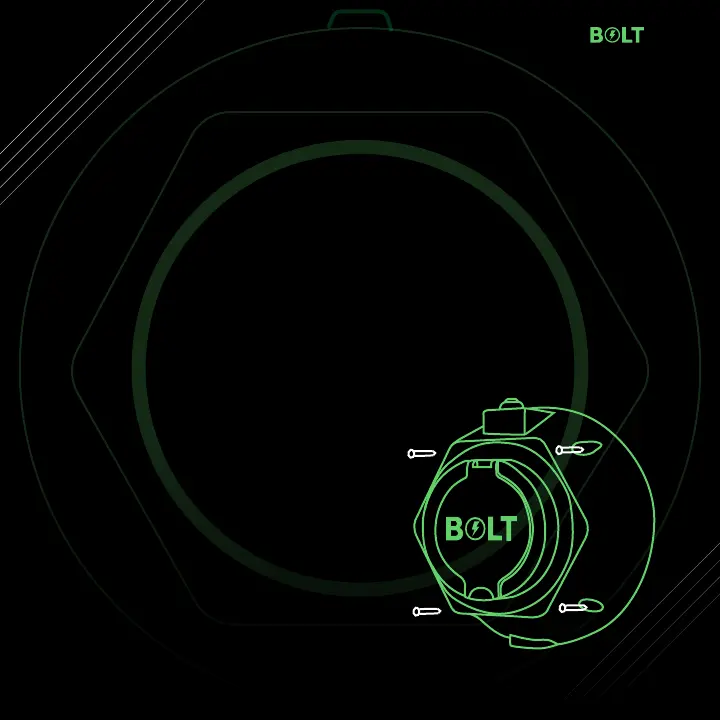
Step 1: Place the device against the wall and mark the screw points for drilling
Step 2: Mount and secure the device firmly with screws.
Step 3: Download BOLT App from Play store/App store.
Step 4: Go to HOMEPAGE--> ACCOUNTS-> MY CHARGER--> Add "NEW”
Step 5: Follow the Instructions, enter charging point details and click on “SAVE
CHARGER”.
Step 6: Choose between "PUBLIC” and "PRIVATE “modes.
Step 7: If "PUBLIC” mode is selected,
fix the QR Code next to the device for the
users to SCAN, PAY & CHARGE



 To Next Page