16
|
Turning on the VM-110
Turning on the VM-110 and Firing a Test
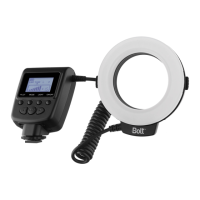
To turn the VM-110 on, press and hold the power button until the LCD on the power control unit turns on.
To re a test, press the PILOT button.
Important!
Some lenses have front elements that rotate during autofocusing. In such a case, we recommend using
manual focus to prevent any possible damage to your lens or camera.
Automatic power-saving function: After thirty minutes of inactivity, the VM-110 will automatically enter
power-saving mode to conserve battery life. To reactivate the VM-110, press the SET button. During long
periods of inactivity, it is recommended that you use the power button to turn the LED off completely.
LCD illumination: When you turn on the VM-110 or press any button, the LCD will be illuminated for about
twenty seconds.


 To Next Page